From the song library to rehearsal scheduling — Music Drive centralises everything your ensemble needs so you can focus on what matters: playing.
Why Music Drive?
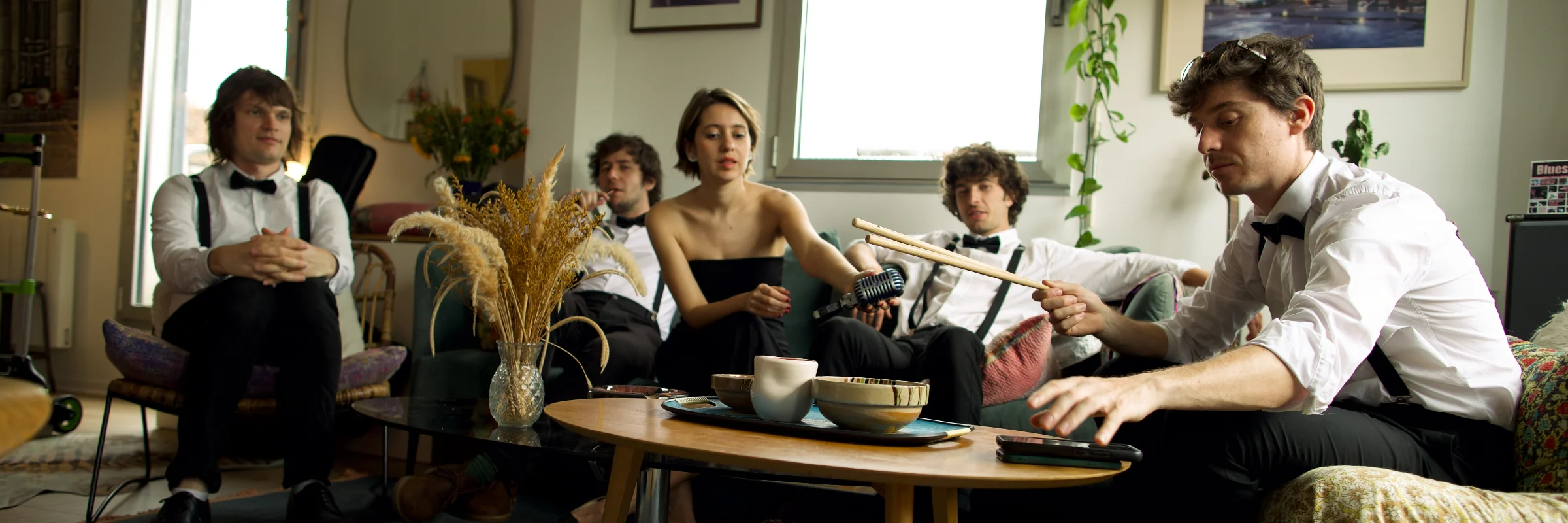
We all know the problem. Here's what it looks like
before and after Music Drive.
Who is it for?
An email thread for sheet music. A WhatsApp group for rehearsals. A Google Drive somewhere — but nobody knows who still has access. And a shared spreadsheet for concert dates, now out of sync since January.
It's not for lack of trying. Musicians are resourceful — they adapted tools designed for other purposes, stacked apps on top of each other, appointed someone "Drive manager". It held together. More or less. Until the day that person left the group and took the access with them.
The problem was never a lack of goodwill. It's that none of these tools were designed for group music-making. Not for scores by part, not for rehearsal recordings, not for concert setlists. Music Drive exists because that gap had lasted too long.
Features
Built by musicians, for musicians. Every tool was designed for the real challenges of an ensemble.
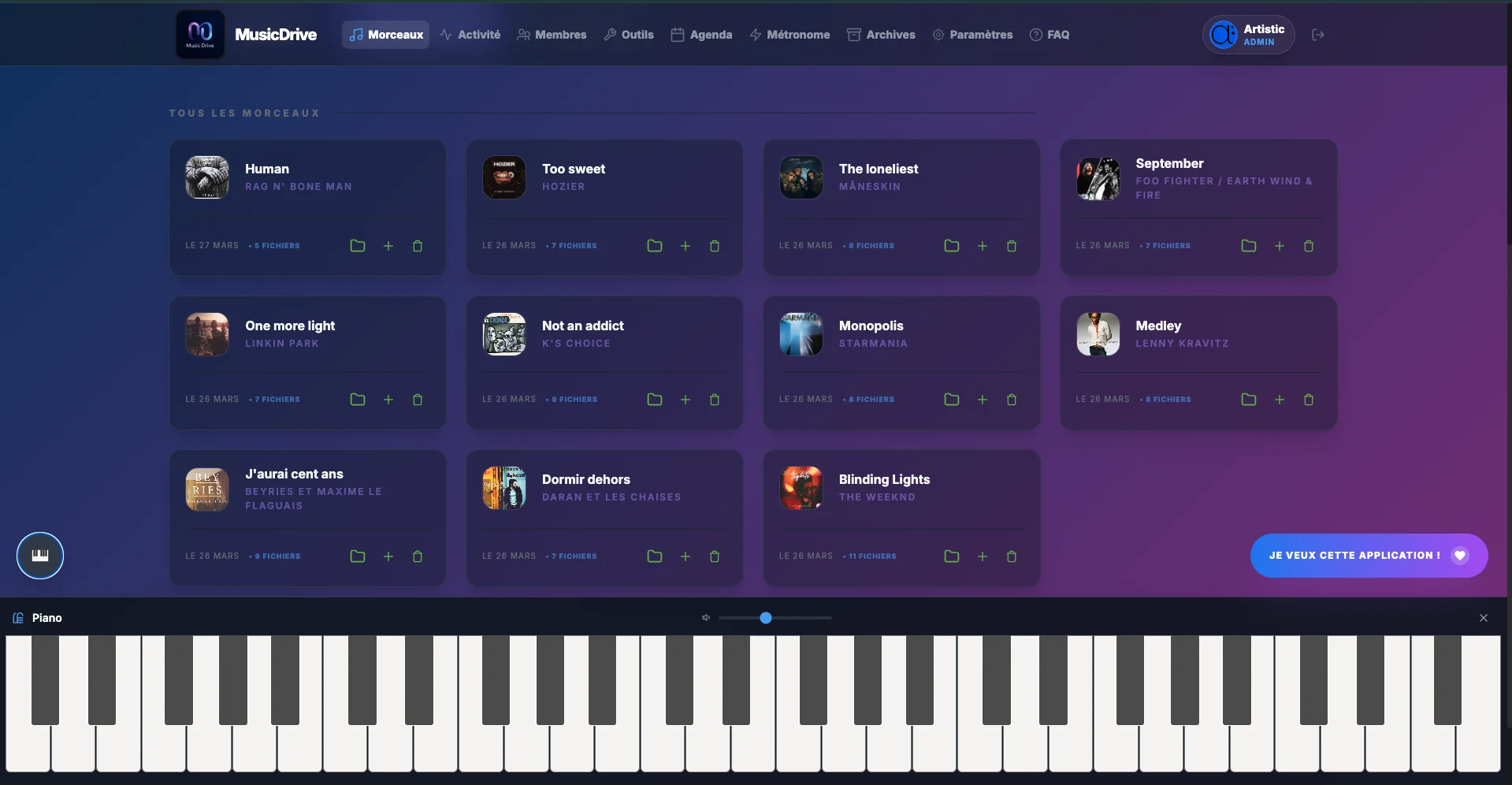
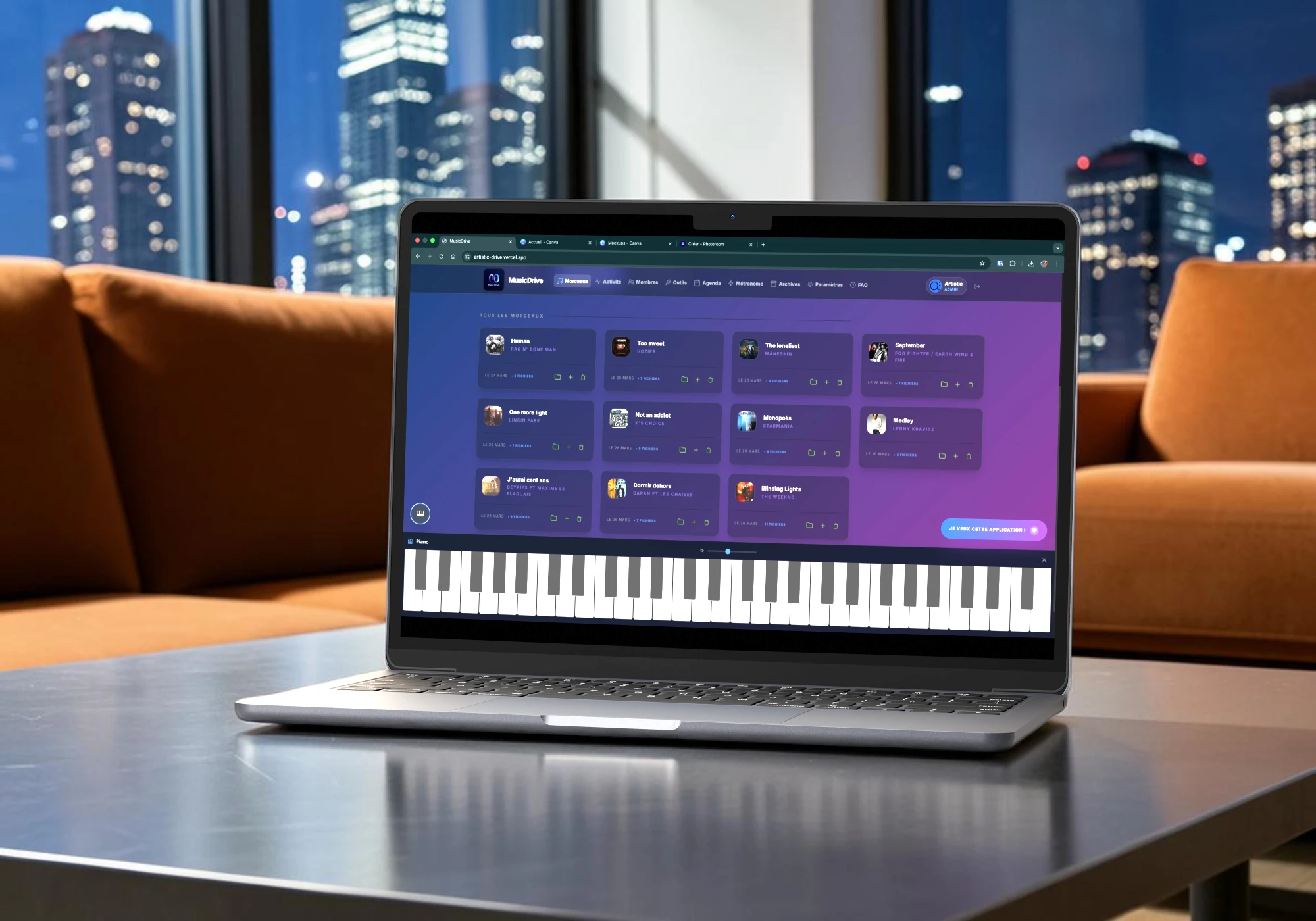
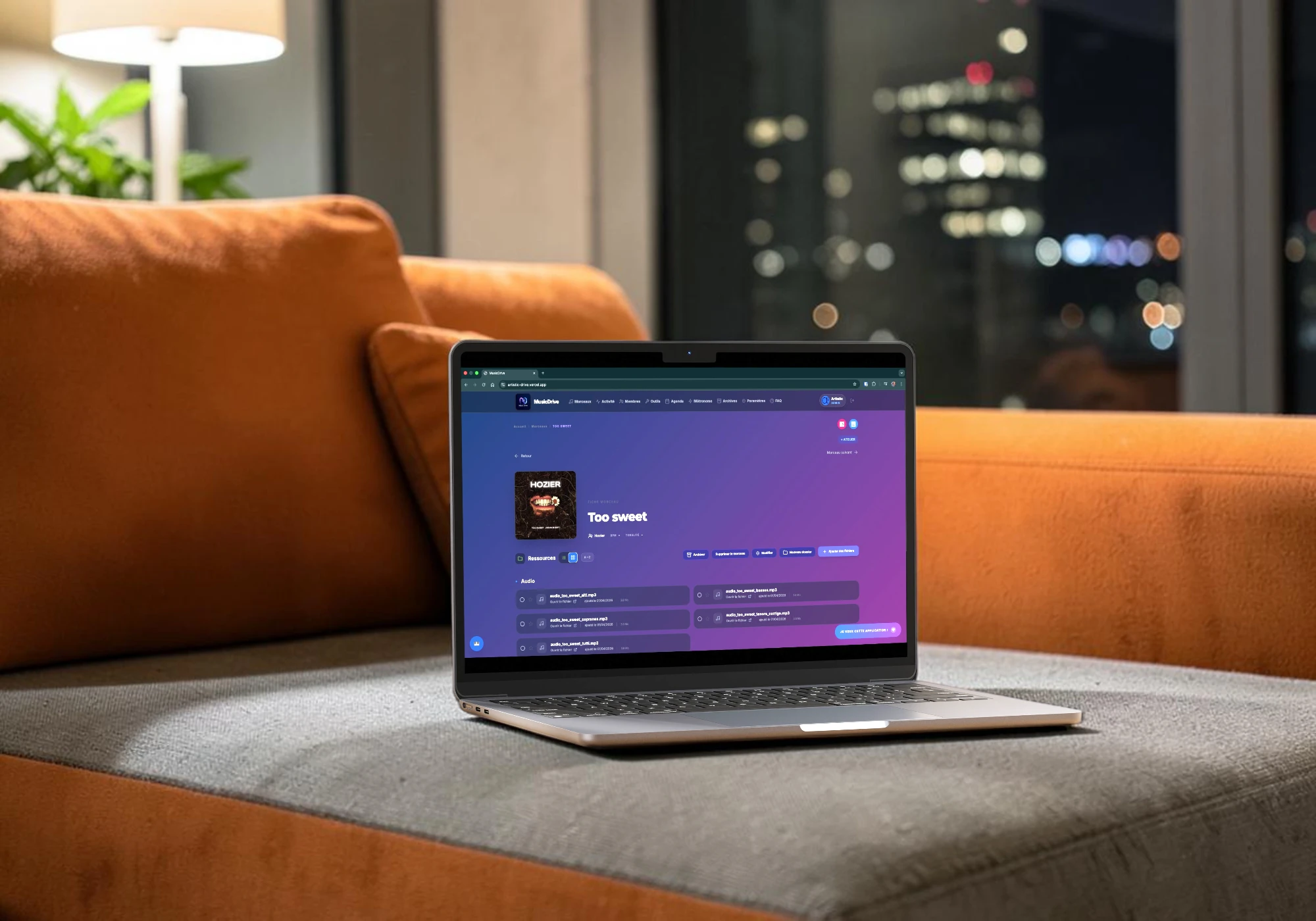
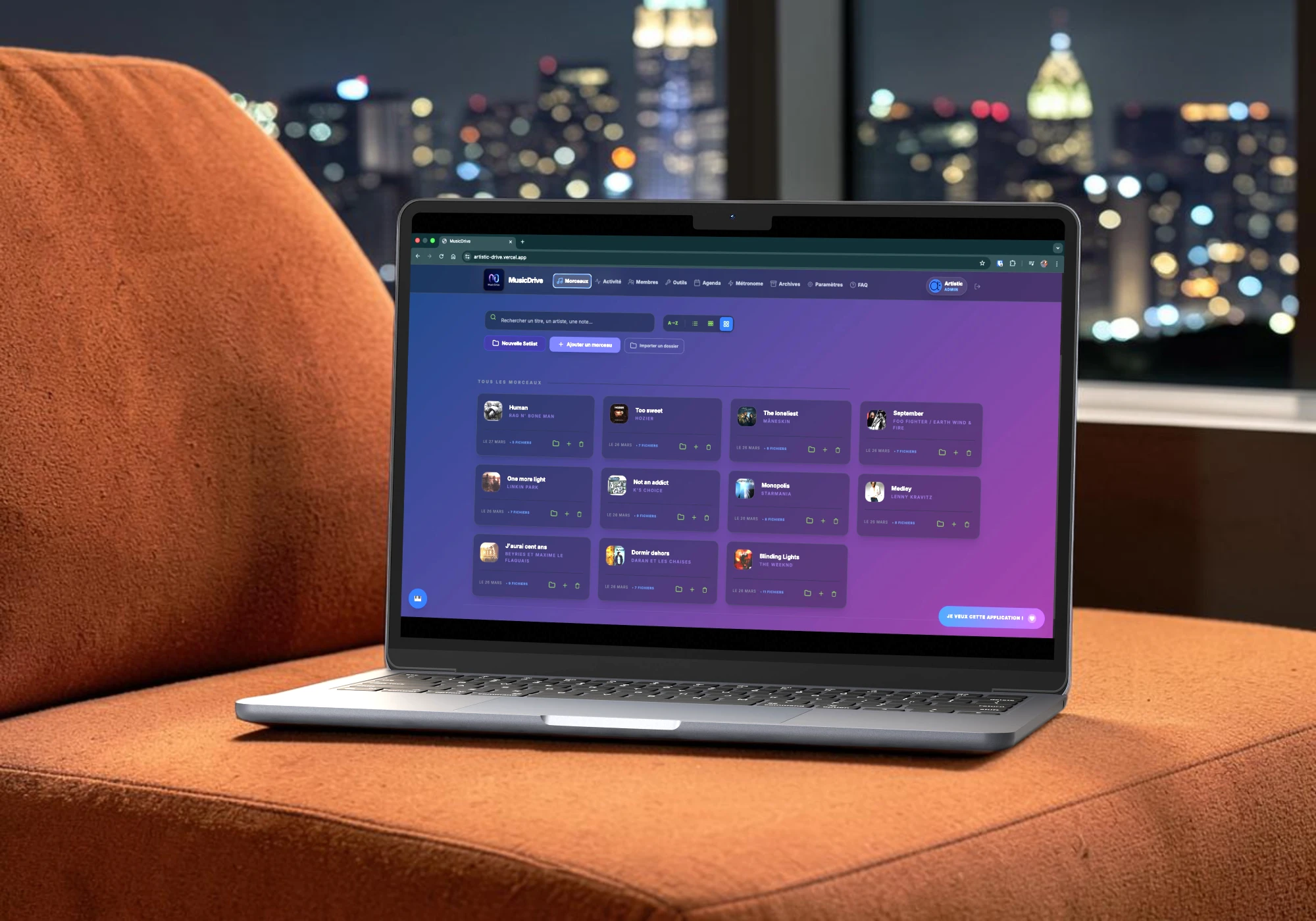
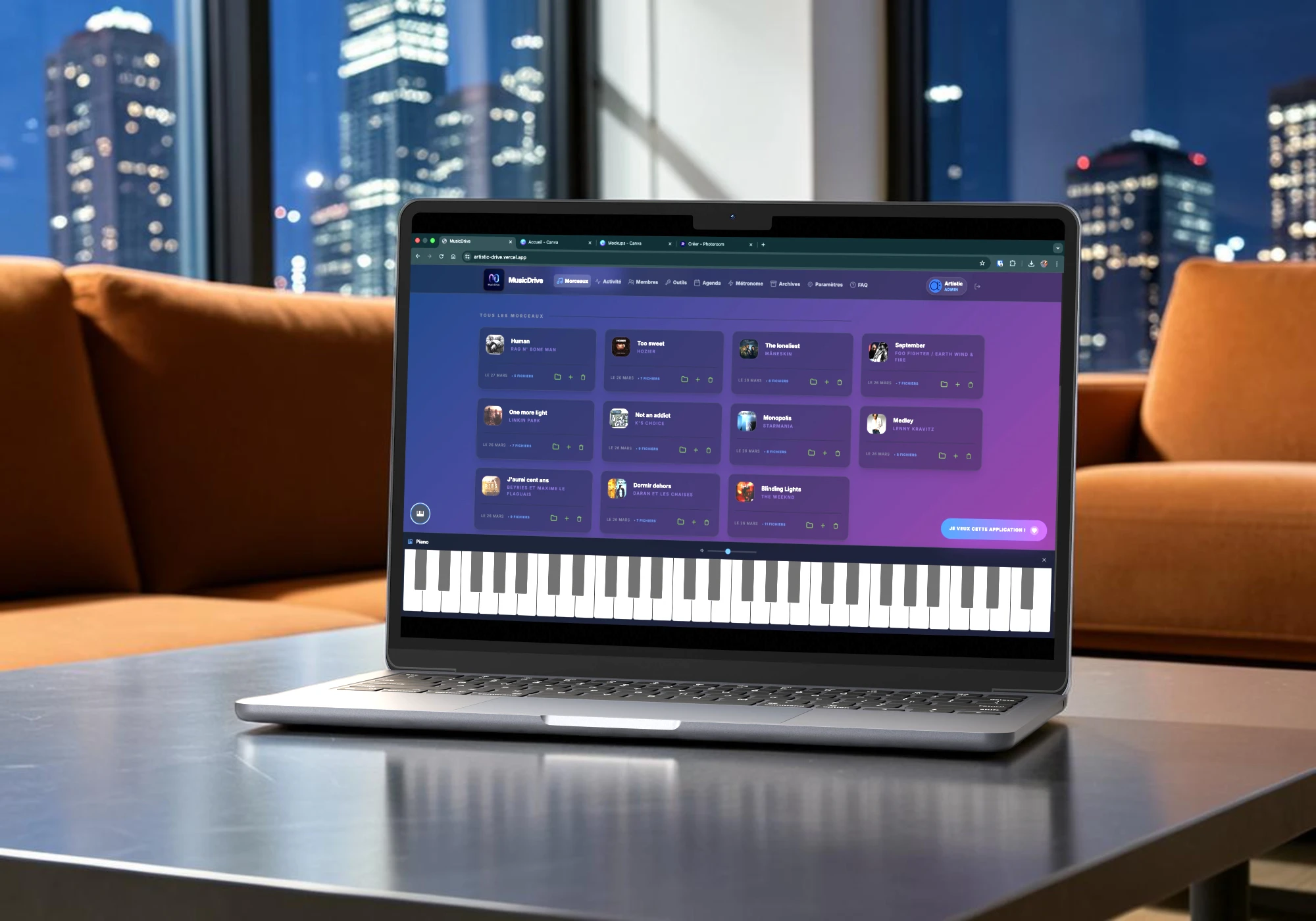
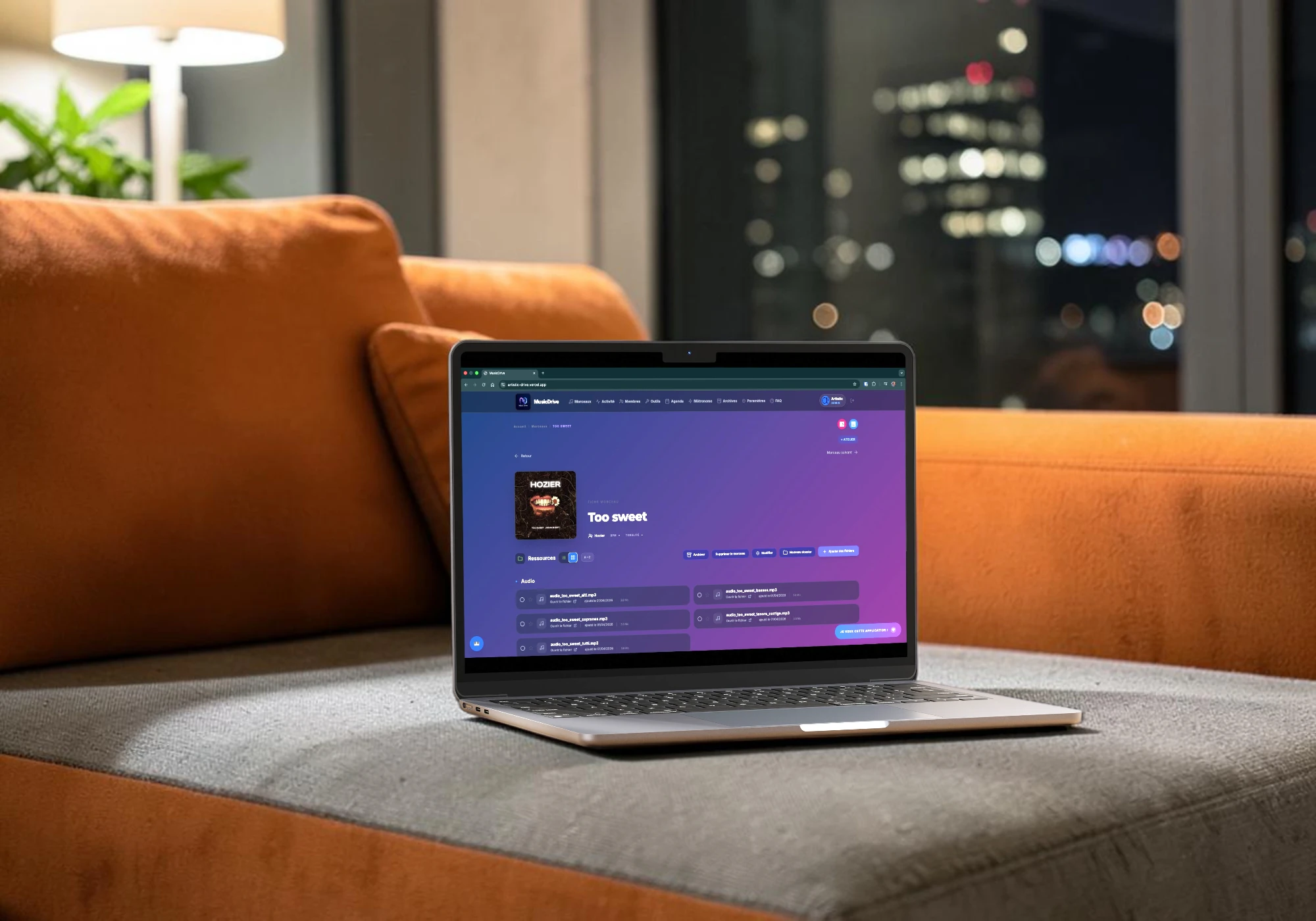
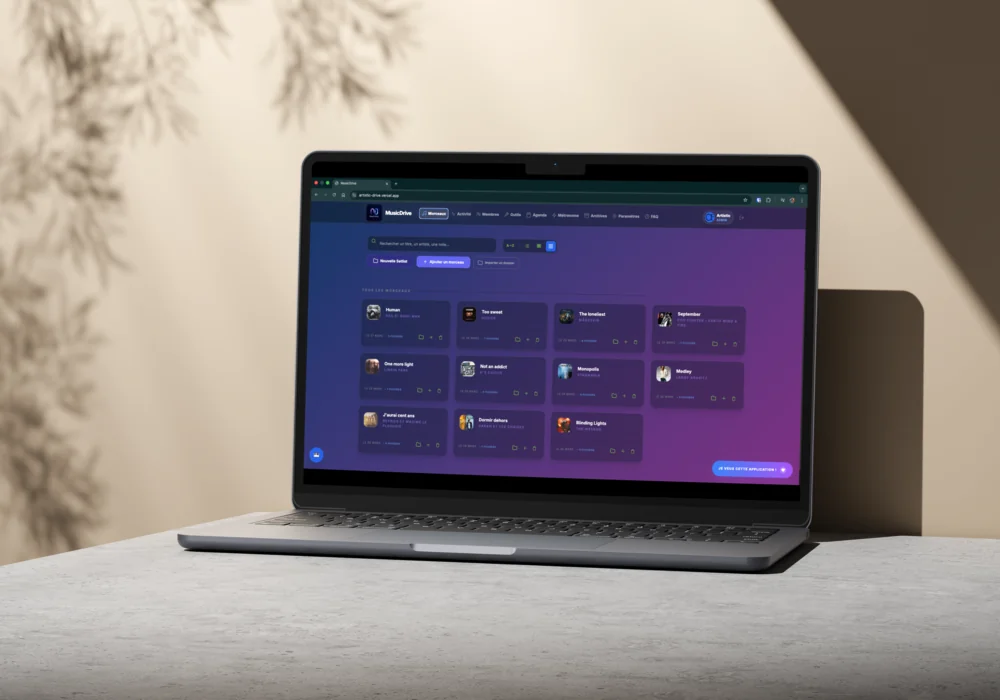
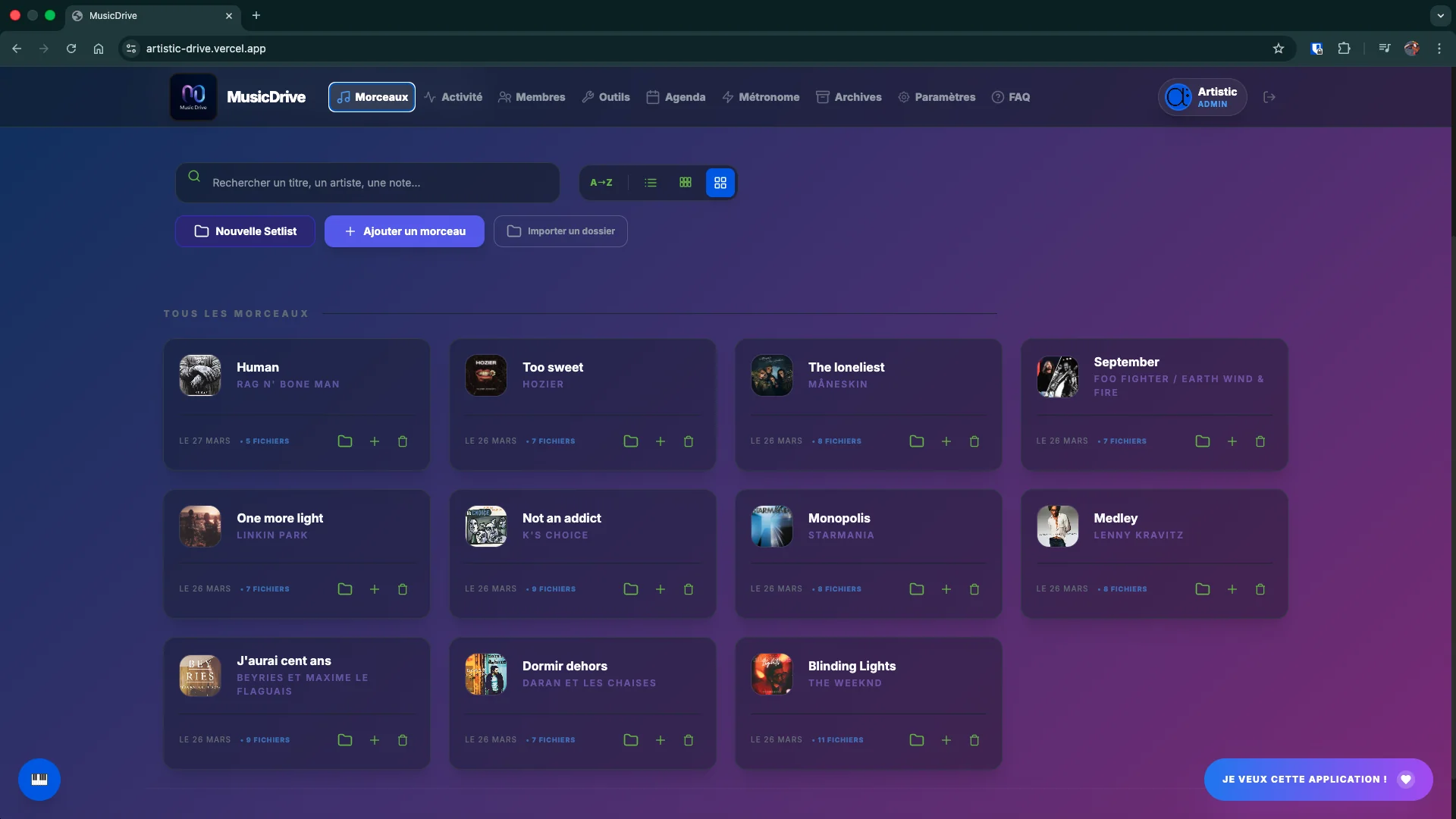
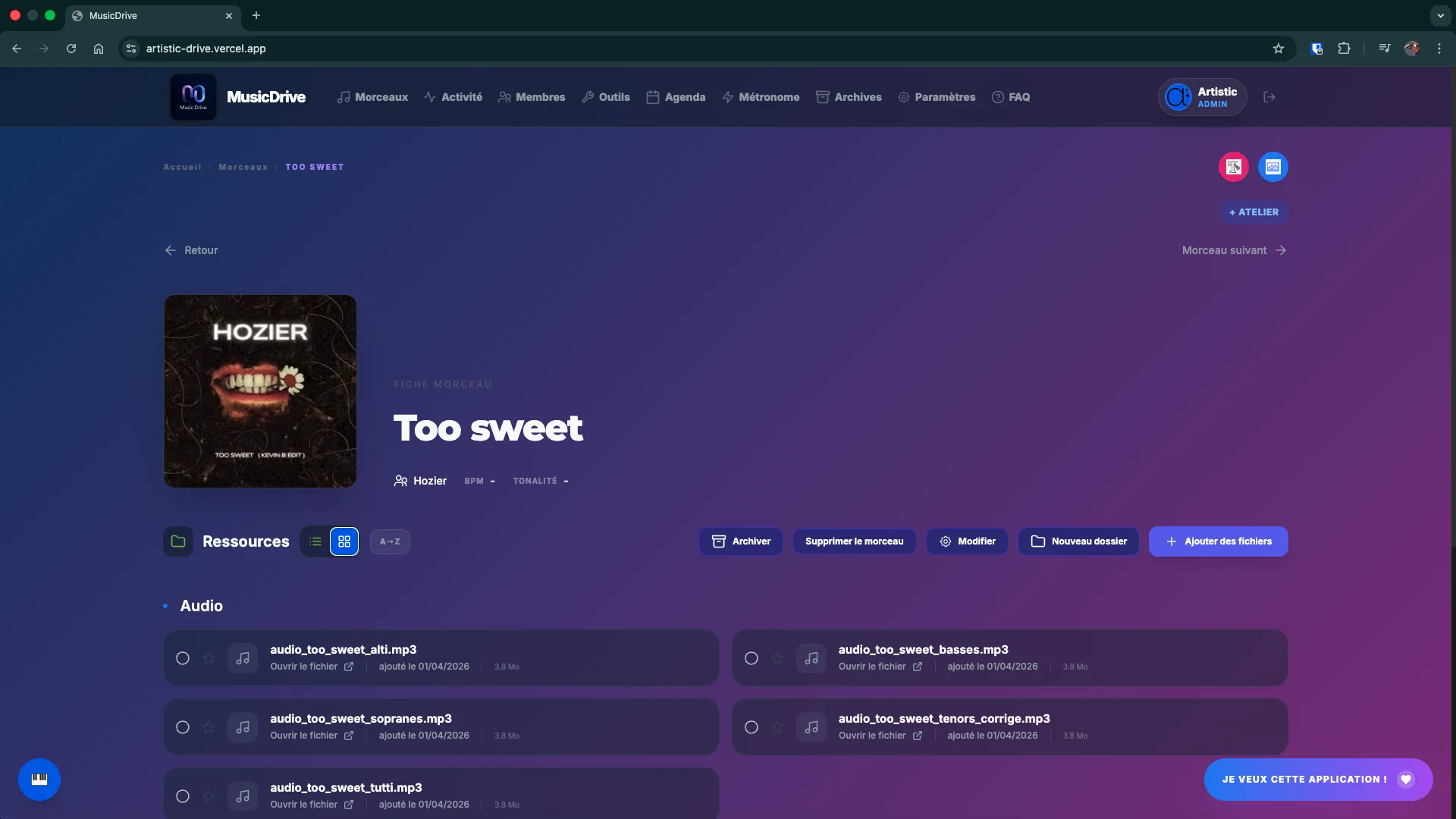
Grid or list view, real-time search, A-Z sort. Each song centralises all its files.
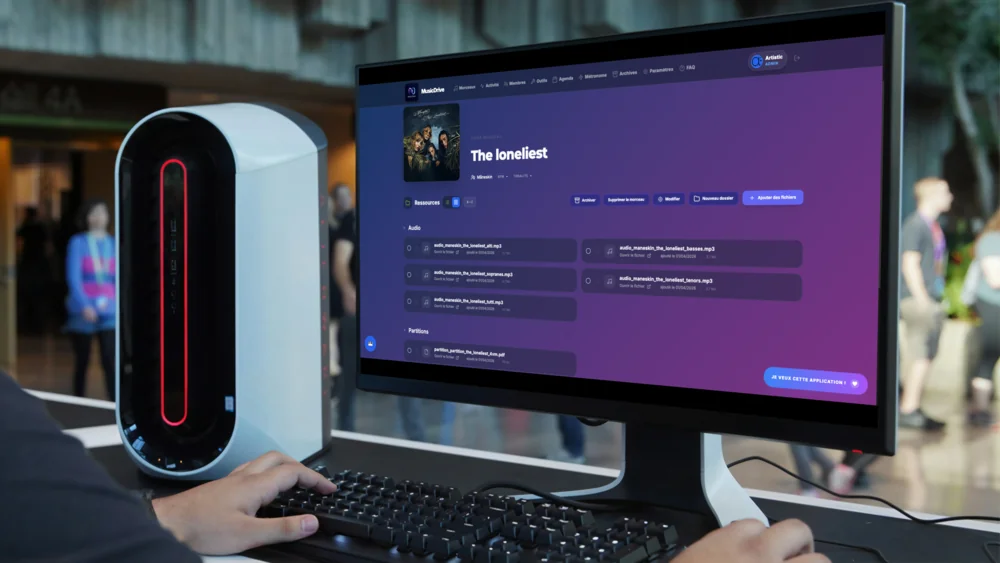
Organise assets in a free hierarchy. Collapsible folders, renaming, reorganisation at will.
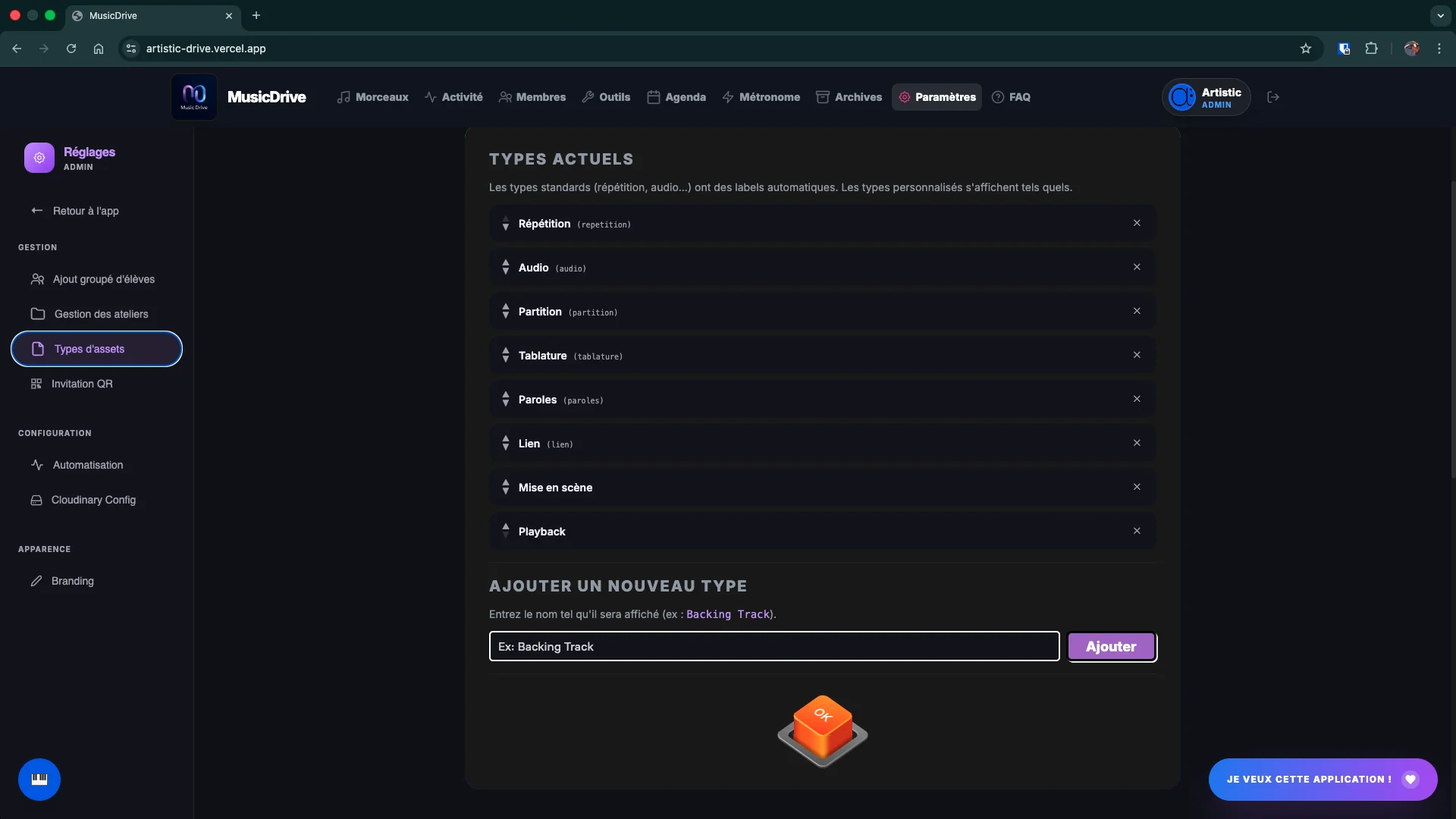
Score, audio, rehearsal, lyrics, tab, link… Create your own types in settings.
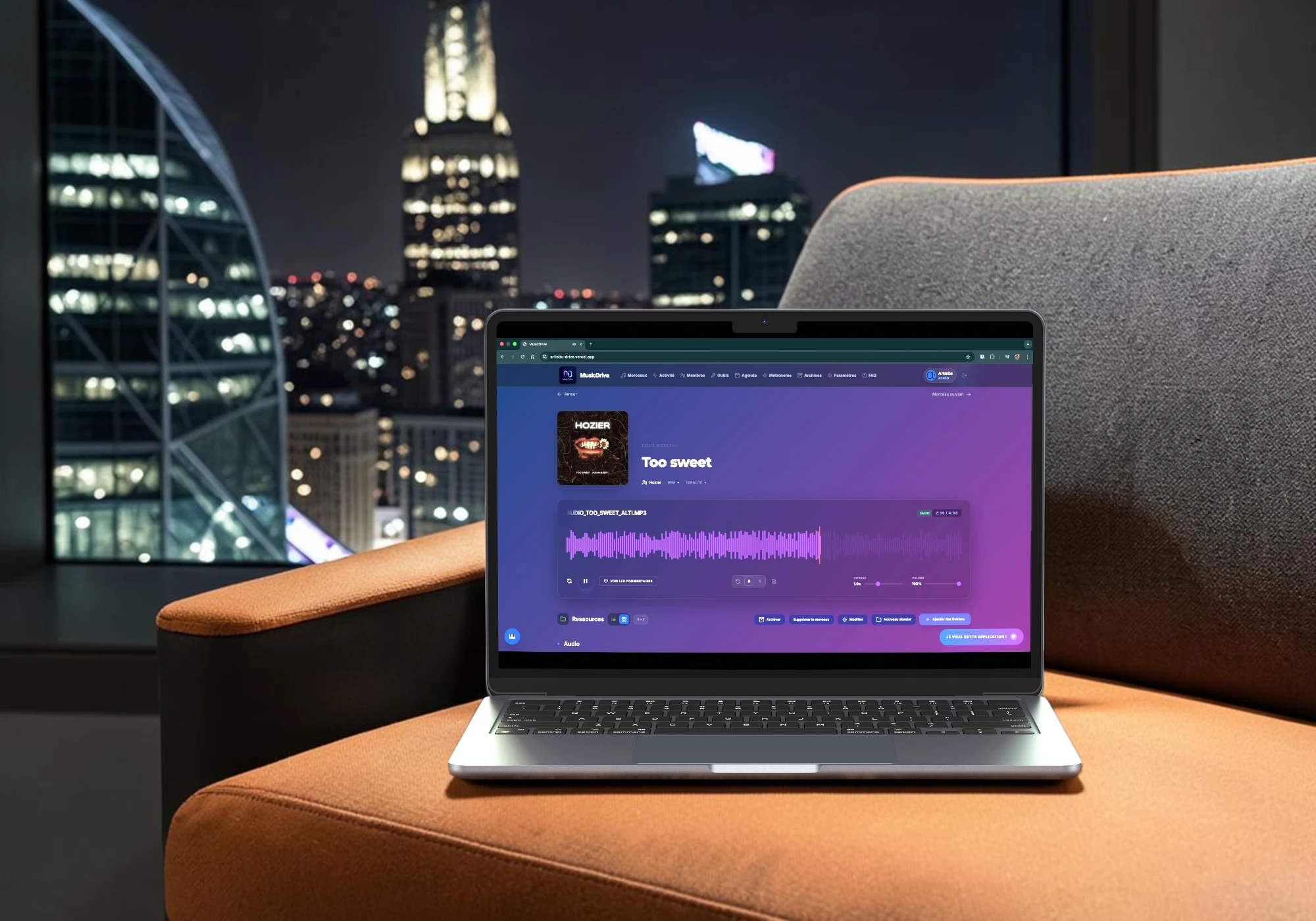
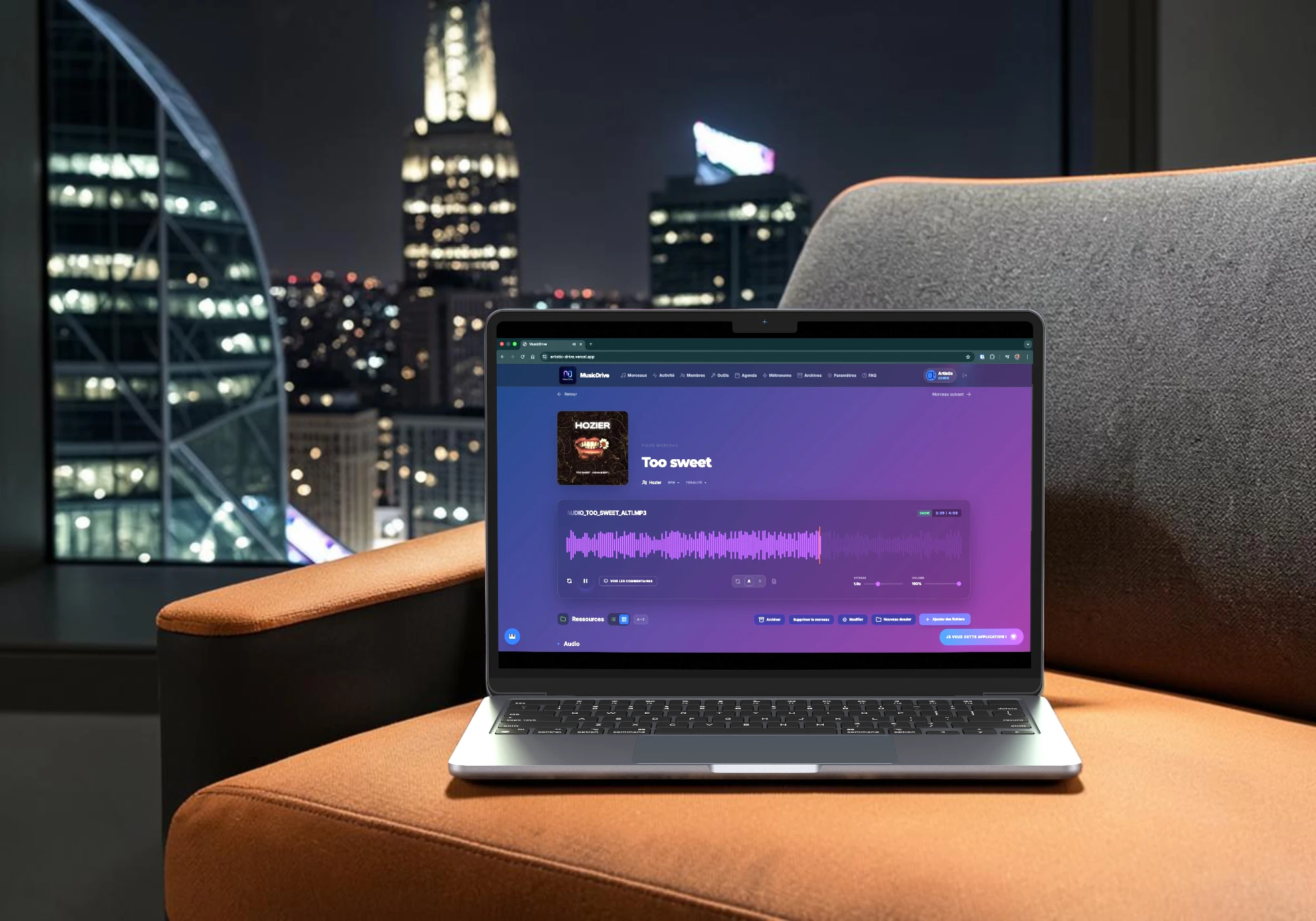
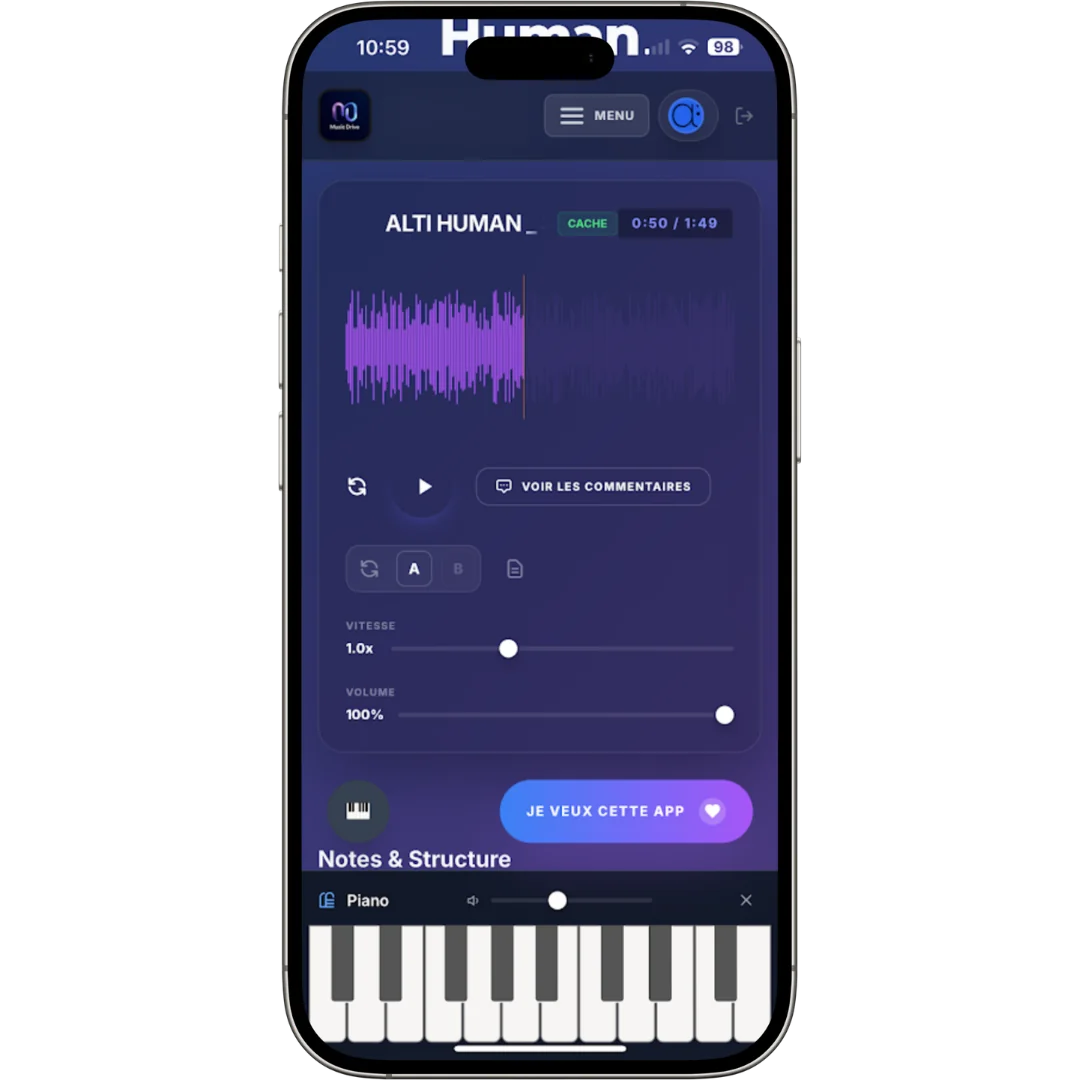
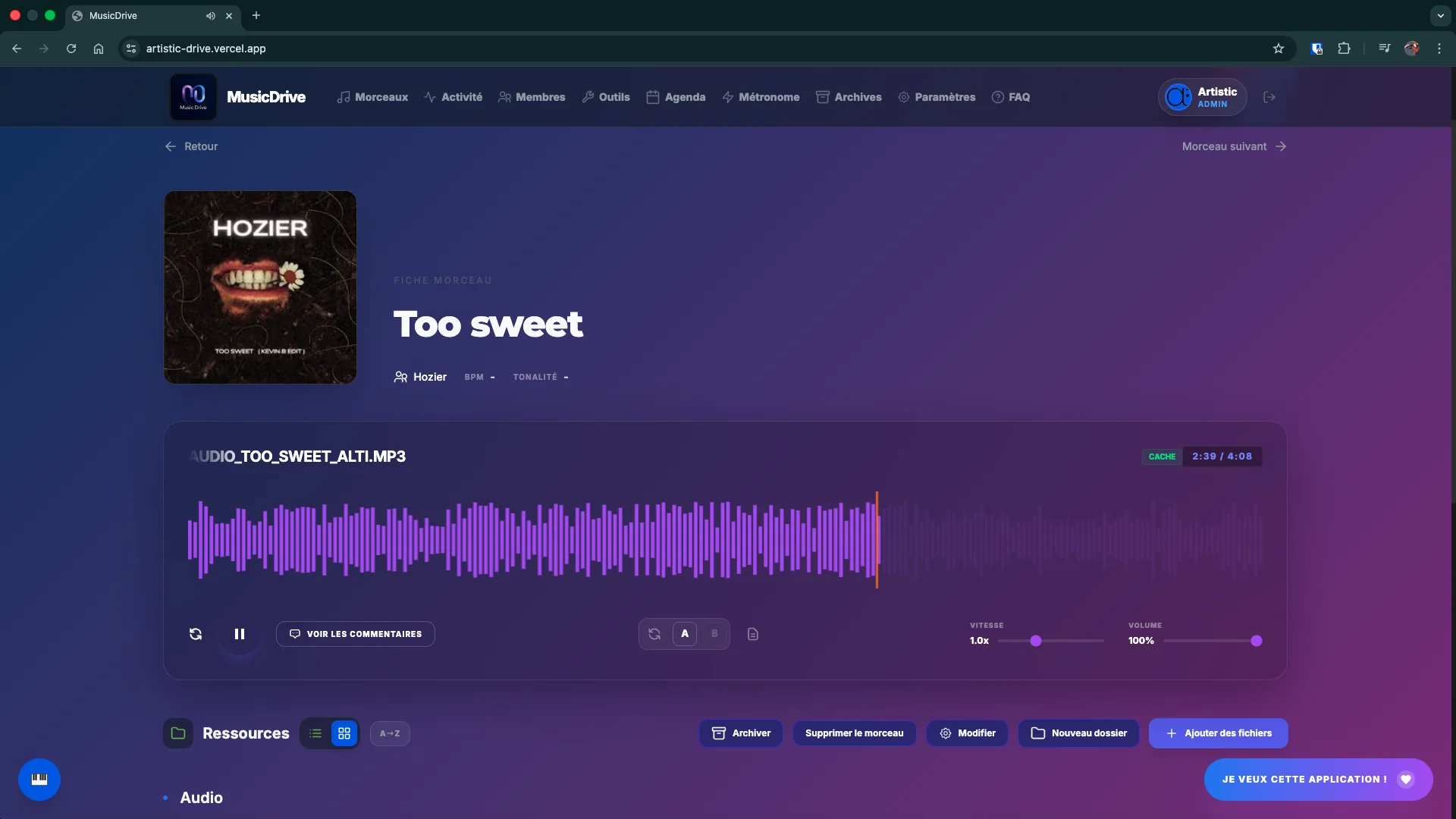
Speed control without changing pitch, volume, progress bar — right inside the app.
Annotate your scores directly in the app — highlighting, handwritten notes, bar-level comments.
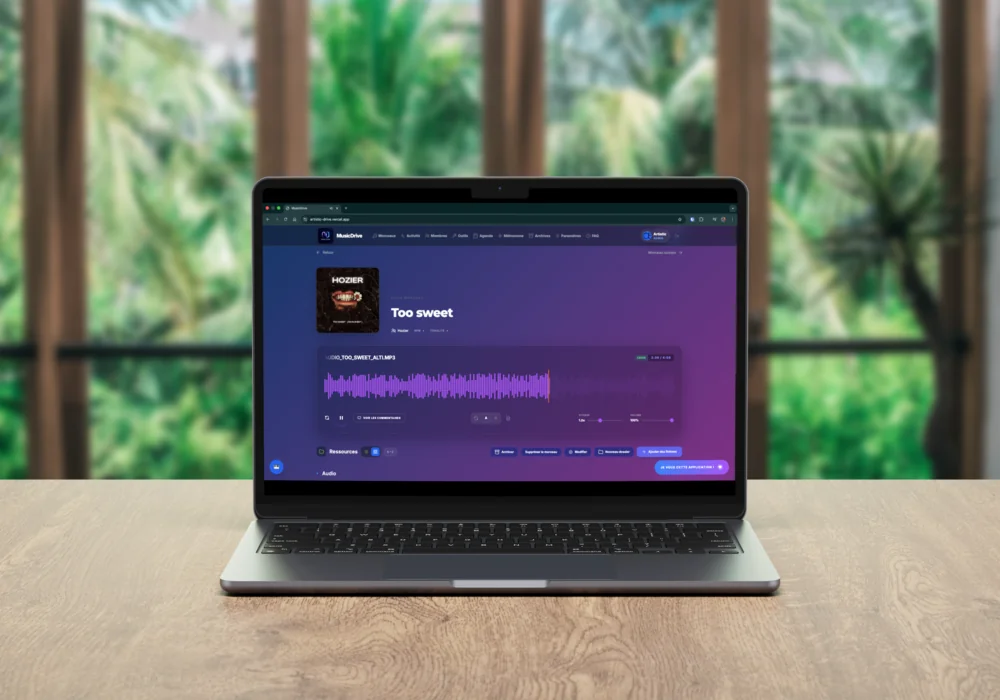
Annotate an audio track to the exact second. Rehearsal notes directly on the recording.
Place named cues (Intro, Verse, Chorus…) directly on the waveform. Shared by the whole group, always visible under each coloured triangle. Click a marker to jump to it, or select two to create an A/B loop in one click.
Import an entire folder of assets in one operation. The folder structure is preserved automatically.
Archive inactive songs without deleting them. Ideal for starting a new repertoire from a blank slate — the old one stays readable and can be restored at any time.
Pin important assets. Multi-select with Shift+click for bulk actions.
Archive a whole repertoire under a name: “Season 2025”, “Christmas Concert”. It stays readable and restorable while you start again from a blank page.
Create lists for rehearsals or concerts. Reorder songs, save the order, print!
Schedule rehearsals, concerts and workshops. Built-in attendance poll — who's coming, who can't. Attach a file (PDF, image…) and link a setlist directly to the event.
A gig 300 km away, and everything ends up in the same thread: who drives, who sleeps where, who doesn't eat meat. Every event in the calendar has its own discussions — Travel, Accommodation, Meals, Carpooling, whichever you need. Each one stays where it belongs, and the answer is still findable three weeks later.
Ask the group anything — repertoire choices, date votes, tempo preferences. Real-time results visible to all members.
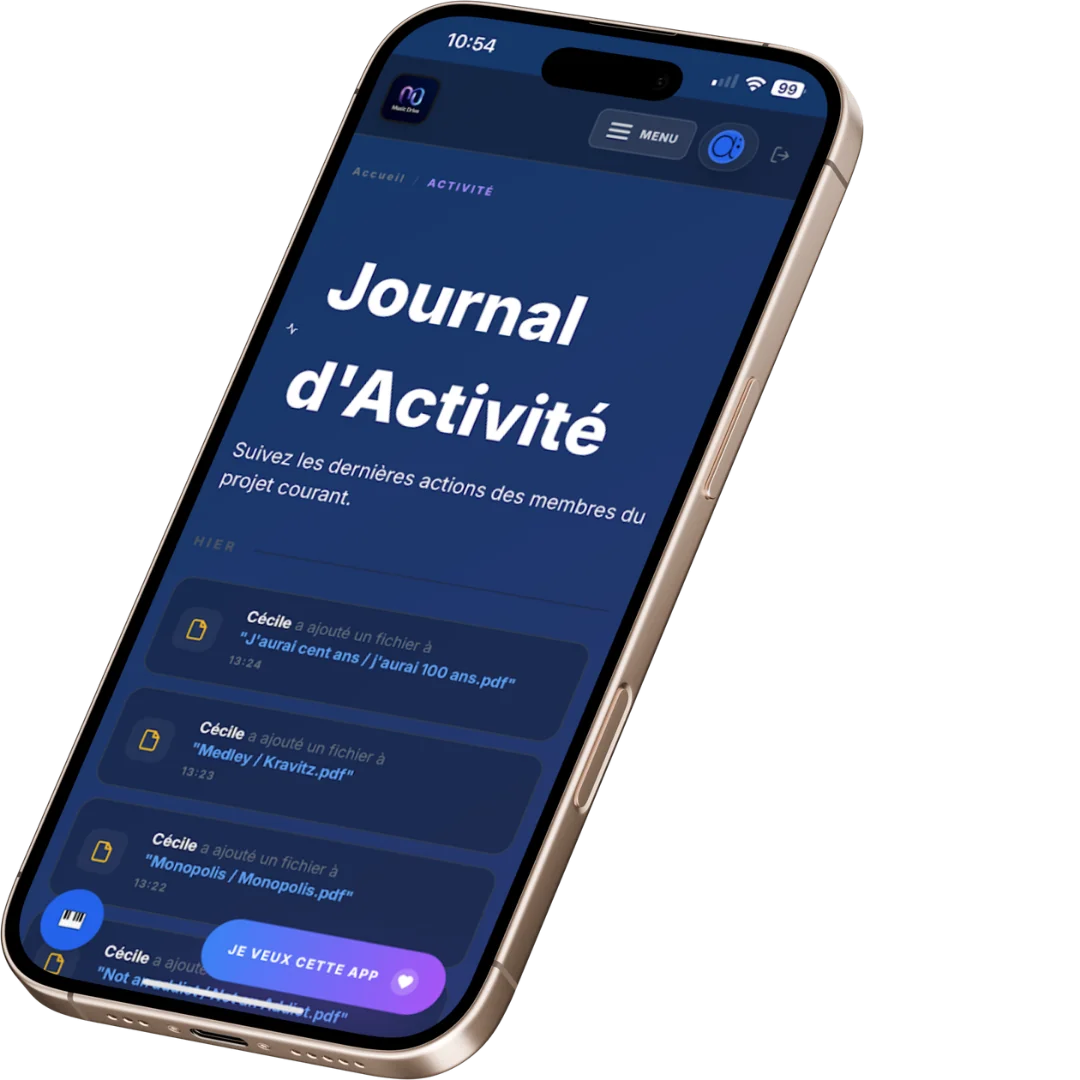
Real-time stream of all group actions. Click an entry to navigate directly.
A shared text block per rehearsal recording. Visible to all members in real time, editable by admins and editors. Expand/collapse toggle, visual indicator if notes exist.
Each member builds their own playlists from the repertoire's audio files. Auto-play to the next track, works with the screen off — perfect for practising while walking or driving, hands-free.
A dedicated storage space for communication and administrative files — meeting minutes, correspondence, official documents — kept separate from the music library.
What everyone needs to see: announcements, dates, internal rules, a member photo directory, season documents — all the organisational information meant for members. Staff post, every member reads. Not to be confused with the Office space, which stays closed to members for minutes and correspondence.
On a sensitive poll — a divisive repertoire choice, an awkward availability — votes can stay anonymous. You see the results, not who voted for what.
You type an address, the app sends the message. If the person already has an account, they get a link that takes them straight into the workshop. If not, they get their code and the link to create their account. Nothing left to copy out, no message left to write.
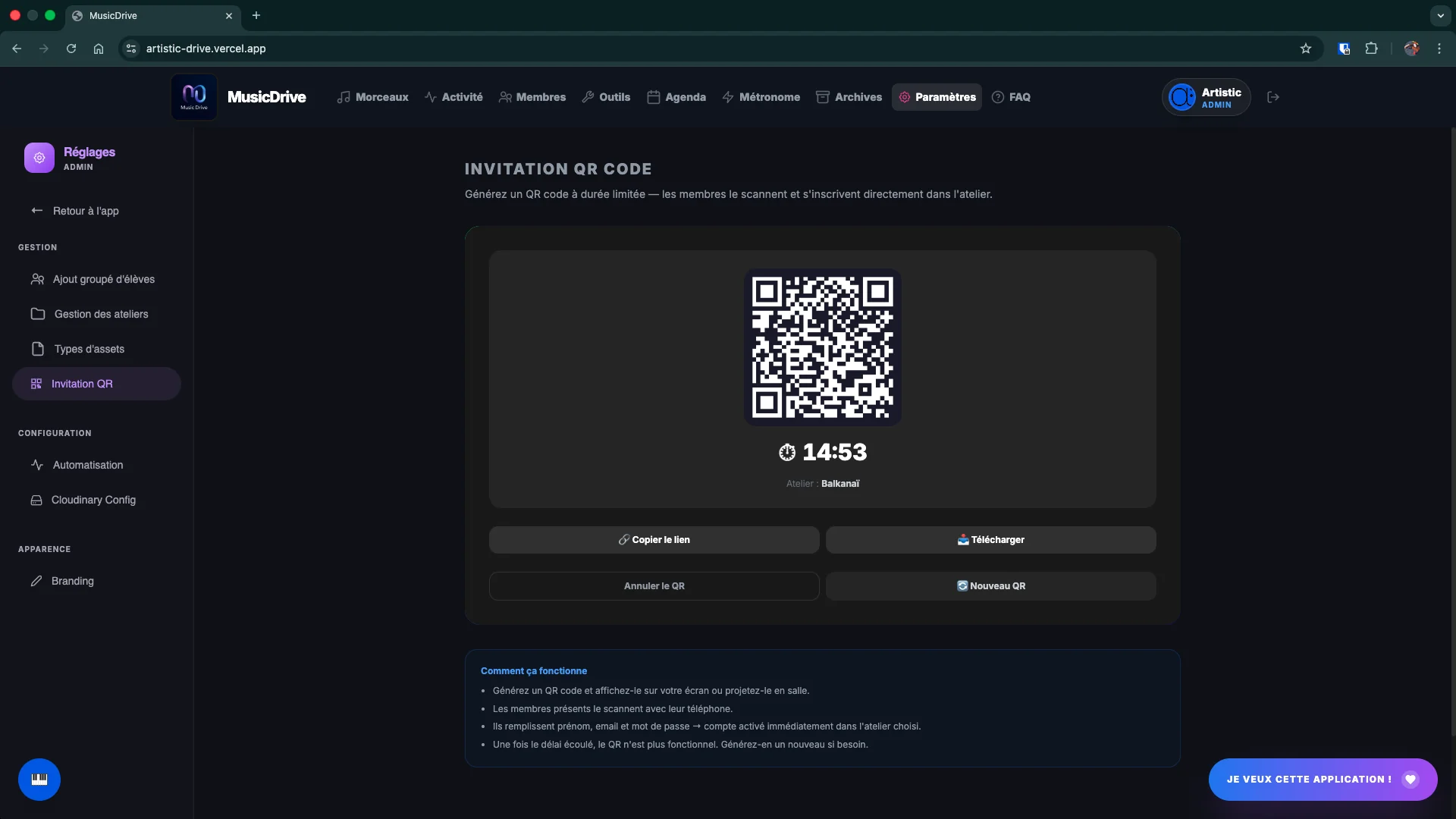
Generate a QR code valid from 5 minutes to 24 hours. The musician scans and arrives directly at sign-up.
Remove a member's access to a workshop in one click. Their account is not deleted: they lose access to the repertoire, and you can invite them back later without them recreating anything.
A mistyped address produces no error: the invitation goes nowhere and the student never arrives. The Members screen lists everyone who has never opened their account, with a button to send a reminder. You no longer discover the problem at the first rehearsal.
A substitute in 30 seconds
You found a substitute. Before Music Drive, that meant: tracking down all the scores, compressing the MP3s, sending multiple emails, hoping everything would arrive…
Now: one invitation, and they have access to everything — scores, audio, setlist, notes — from their phone or computer.
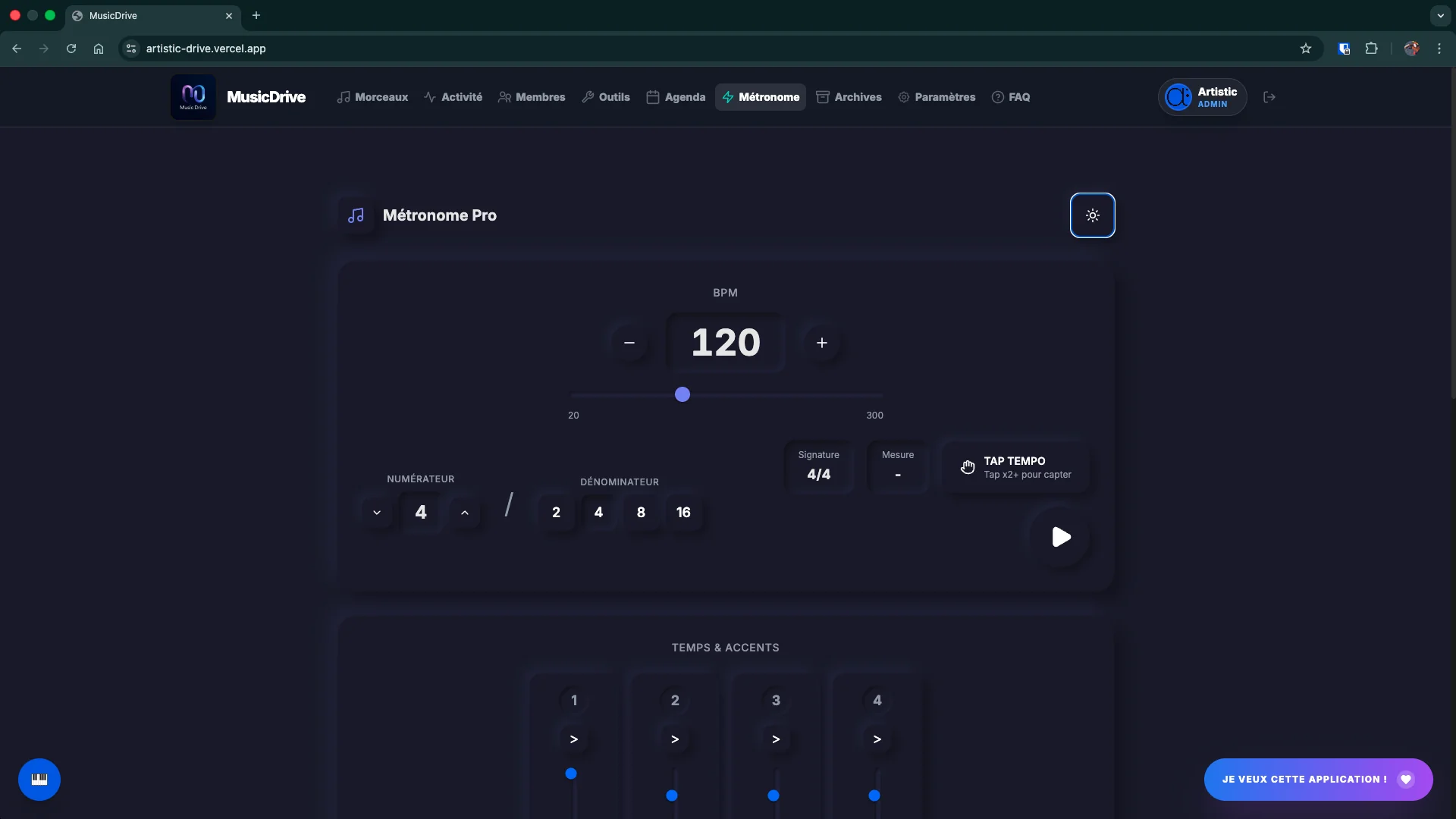
Tap-tempo, 14 subdivision patterns (quarter notes, eighths, triplets…), 2/4 to 7/8 time signatures, varied sounds, custom rhythmic groups.
Silent click, random mute, progressive tempo — to develop your sense of rhythm without crutches.
Save complete configurations — tempo, time signature, sounds, accents, rhythmic groups, practice engine. Accessible from any device, linked to your account.
Real-time note detection via microphone. Works with all instruments.
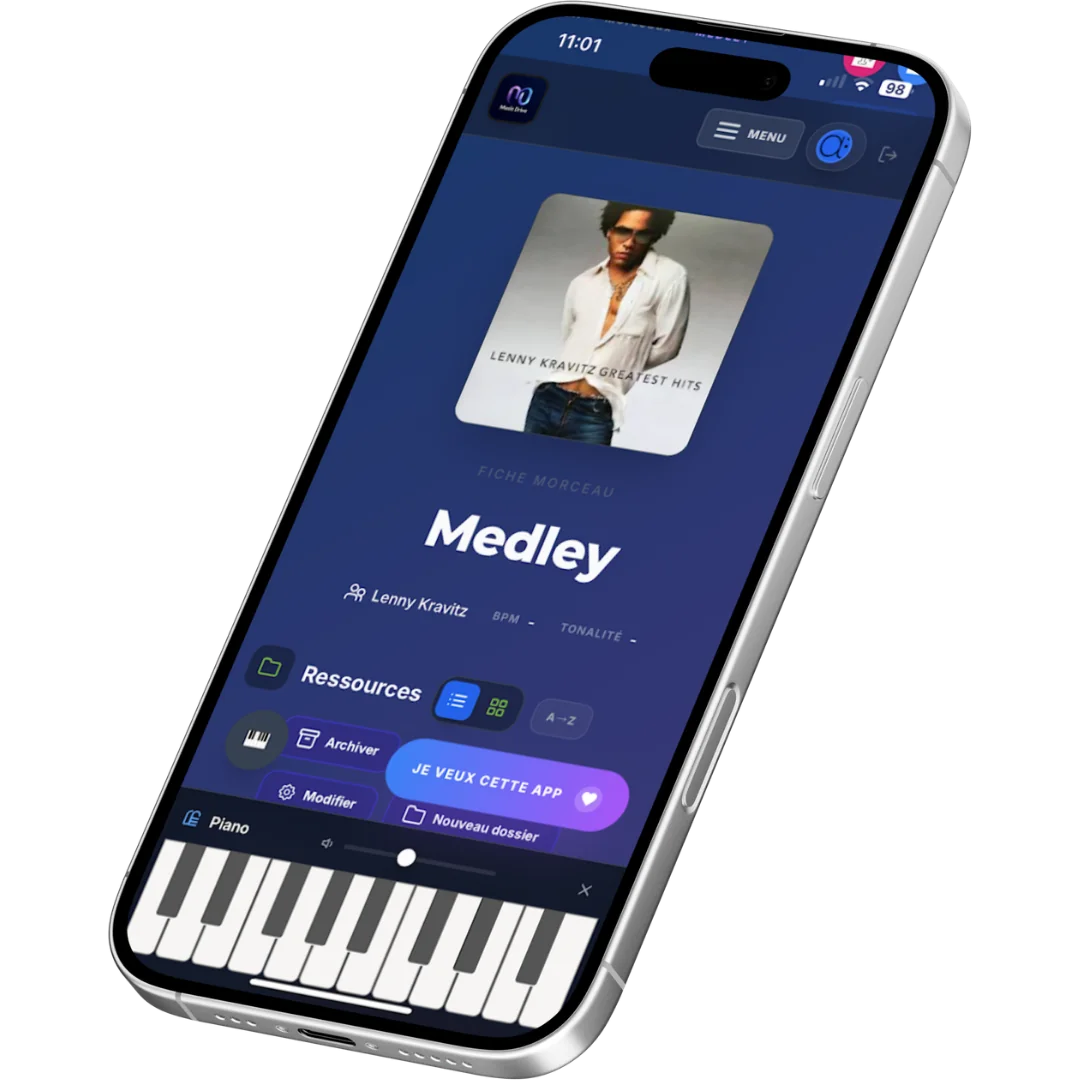
Built-in interactive keyboard to find a note, check a harmony or illustrate a passage.
Watch any YouTube video directly in the app — no ads, no distractions, without leaving Music Drive.

Loop any passage of a YouTube video to transcribe or memorise a piece.

Create and share visual chord grids in seconds, from the app.
Complete work environment
Music Drive is not just a file library. It's a work environment designed for musicians — without having to download any other software.
Your files are hosted on S3 object storage — fast, reliable, scalable with no size limit.
The database is automatically backed up every week. Restoration possible at any time on request.
Install Music Drive on your phone's home screen like a true native app — no App Store needed. Works on iOS and Android.
Music keeps playing even when the screen is locked. Ideal for listening to a rehearsal recording while putting your phone away.
Smart audio cache — your recordings stay accessible without a connection. Perfect in the rehearsal room or on the go.
Ask questions directly in the app — the assistant knows every Music Drive feature and replies instantly in 5 languages.
One button makes pencils appear over the interface. Hover one: the app outlines and names everything it controls, before you change anything at all. Personalise without hunting for the right setting in a menu.
Pick a gradient from the library, or compose your own with two or three colours. One button restores the original background, another the last one you saved: you can experiment without risk.
The space carries the name of your ensemble, band or workshop, visible to all its members. Your musicians walk into your place, not ours.
Central pedagogical resource library accessible to all teachers — scores, exercises, playbacks.
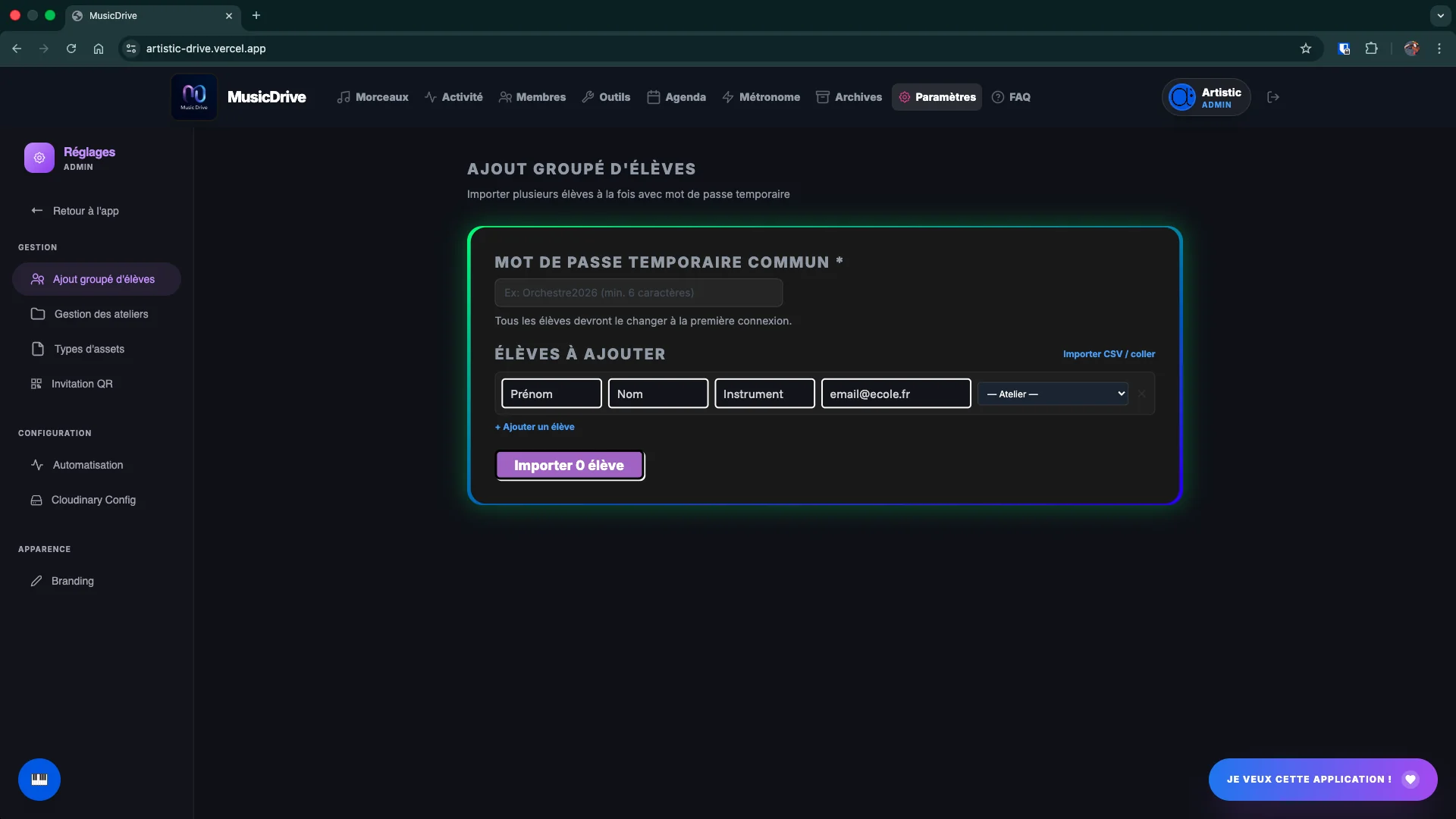
Import an entire class at once with a temporary password. Each student customises their access on first login.
Organise classes, levels and instruments in separate spaces. Each teacher manages their space autonomously.
Three access levels designed for teaching.
Admin — full management of the institution, members and workshops.
Teacher — creates and manages their own classes autonomously.
Student — read access to resources shared by their teachers.
Freely define your vocal sections — Soprano, Mezzo, Alto, Tenor, Baritone, Bass, or any custom naming. Each section gets a unique colour badge, visible at a glance throughout the app.
Assign each member to one or more sections directly from the member list. Colour badges appear on profiles and in the calendar for immediate readability.
Restrict access to a file to certain sections only — PDF scores, audio tracks, rehearsal recordings. The Tenor part stays invisible to Sopranos — each singer sees and hears only what concerns them.
Summon a single section for a sectional rehearsal. The event only appears in the calendar of the relevant singers — others are not bothered.
Send an availability or vote poll only to Altos or Basses. Avoid cluttering other sections with requests that don't concern them.
Appoint section leaders with editing rights limited to their section.
A section leader marked as such only sees the files for their own part. They manage their tenors without drowning under the sopranos' scores.
Real-time collaboration
Every action — song added, asset shared, setlist updated — appears in the activity feed. Nobody misses an update.
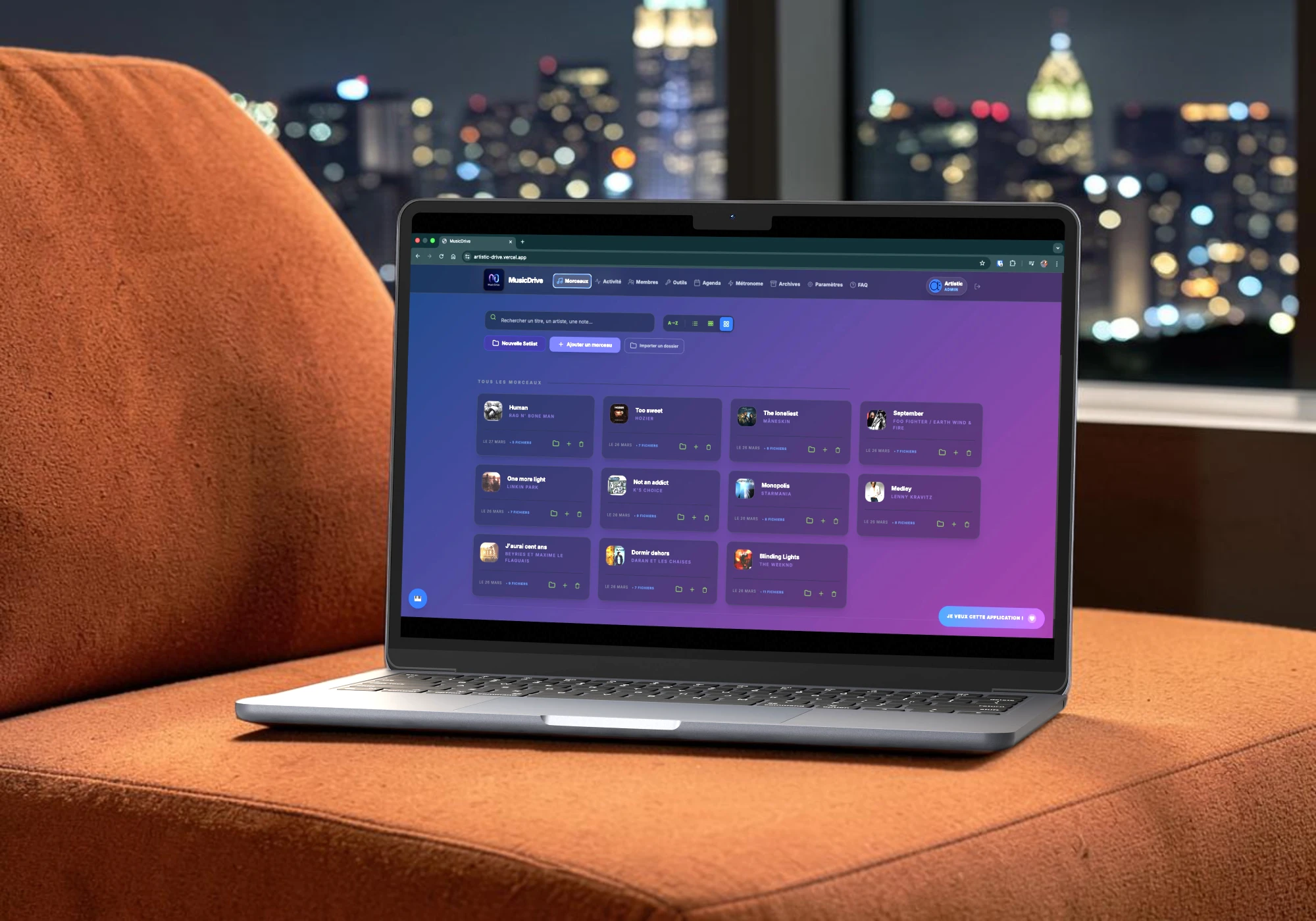
Preview
.webp)

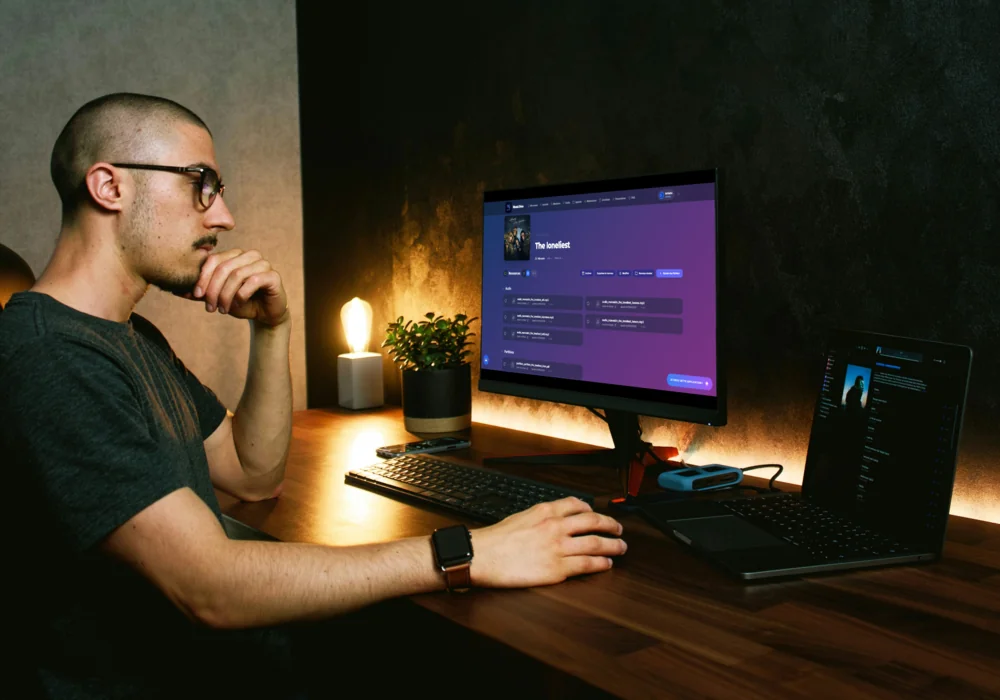
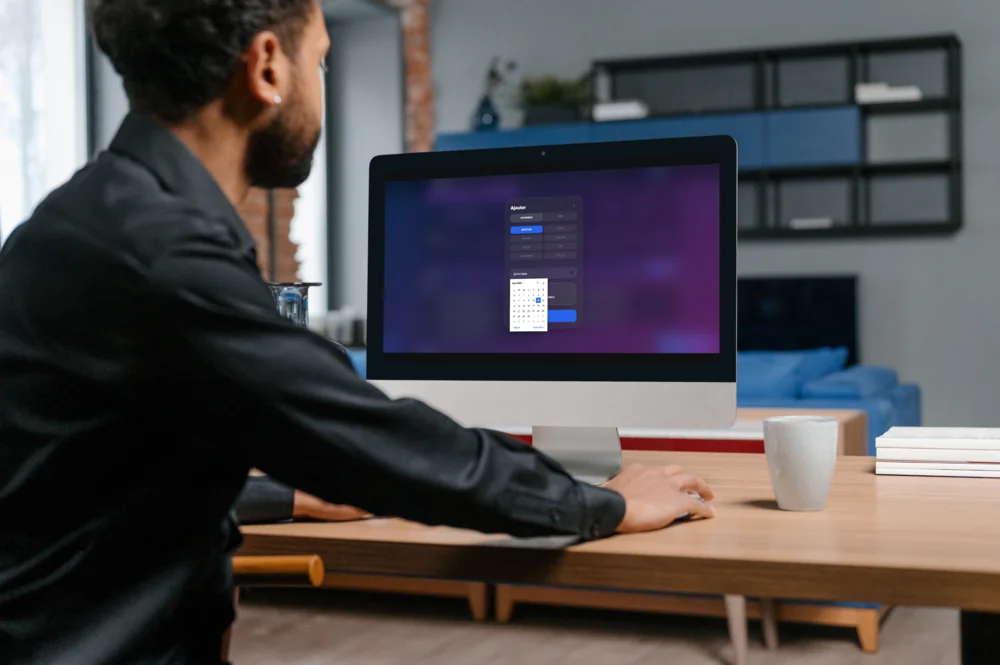
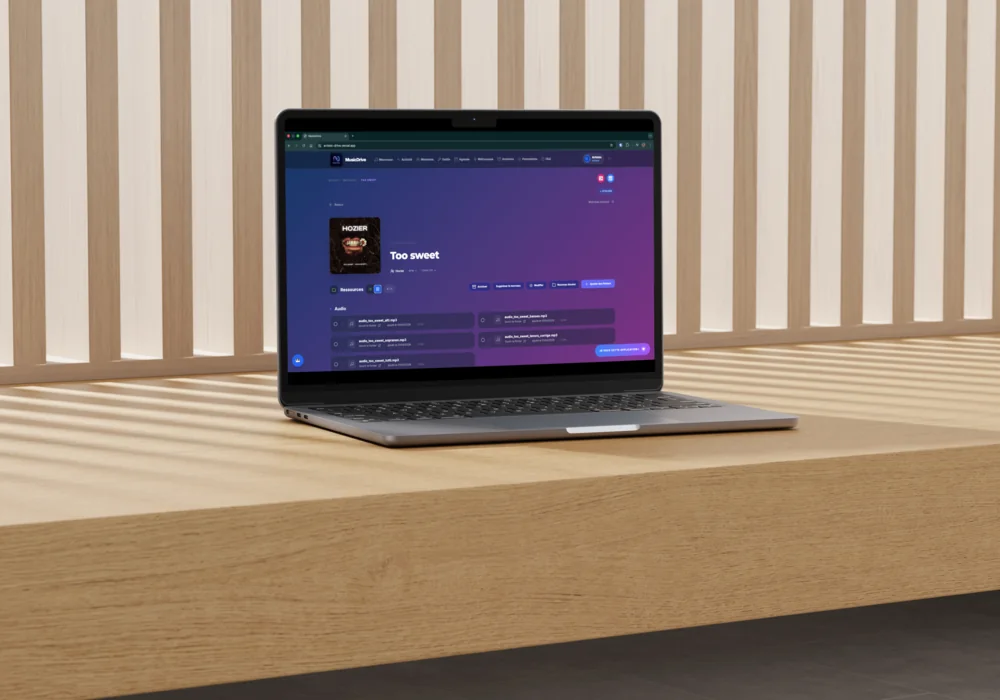
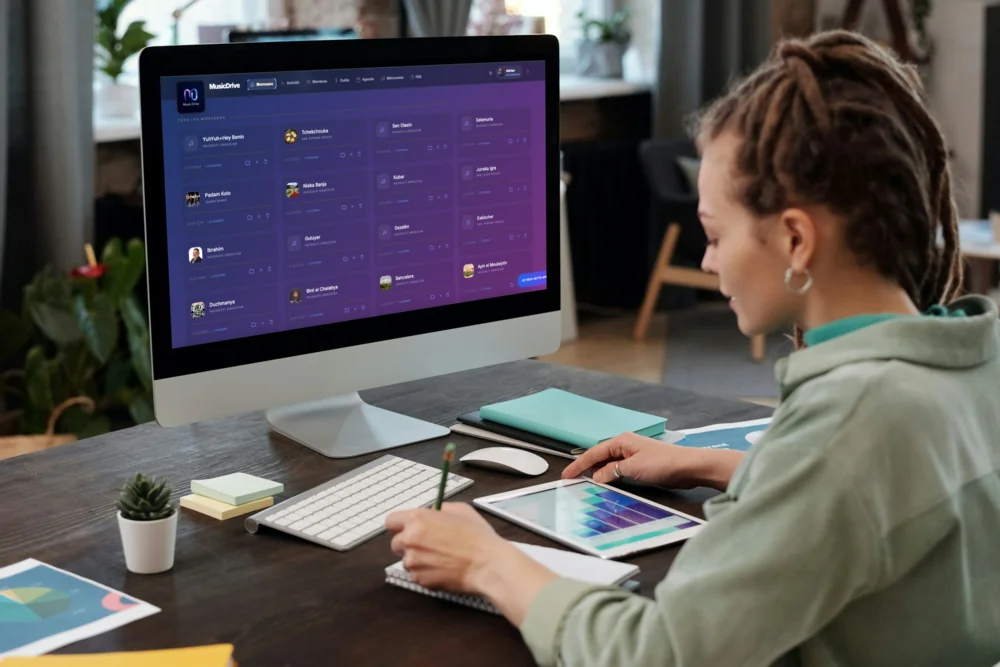
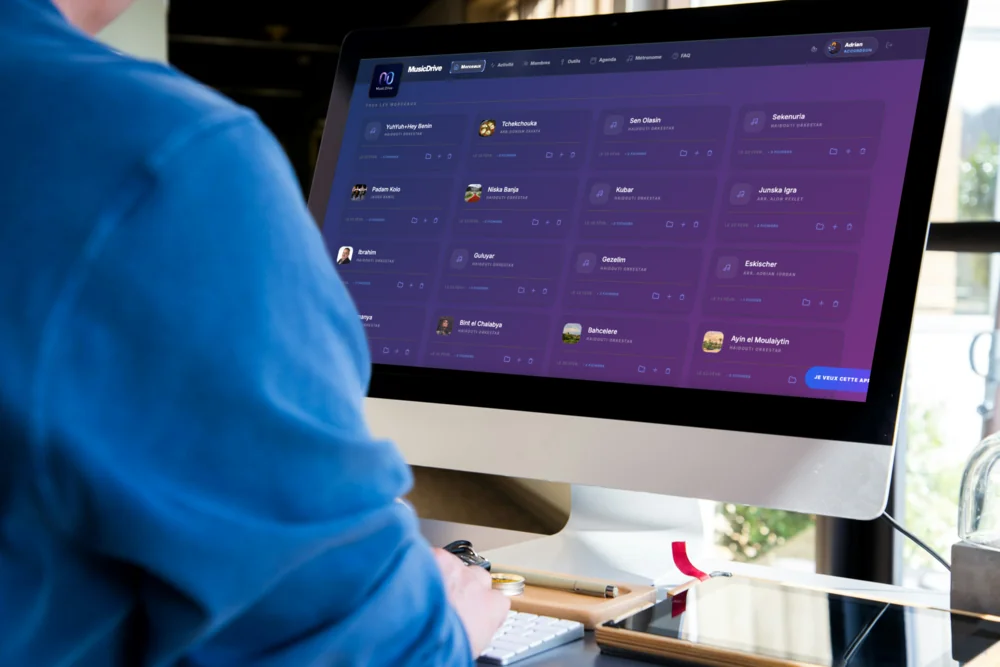
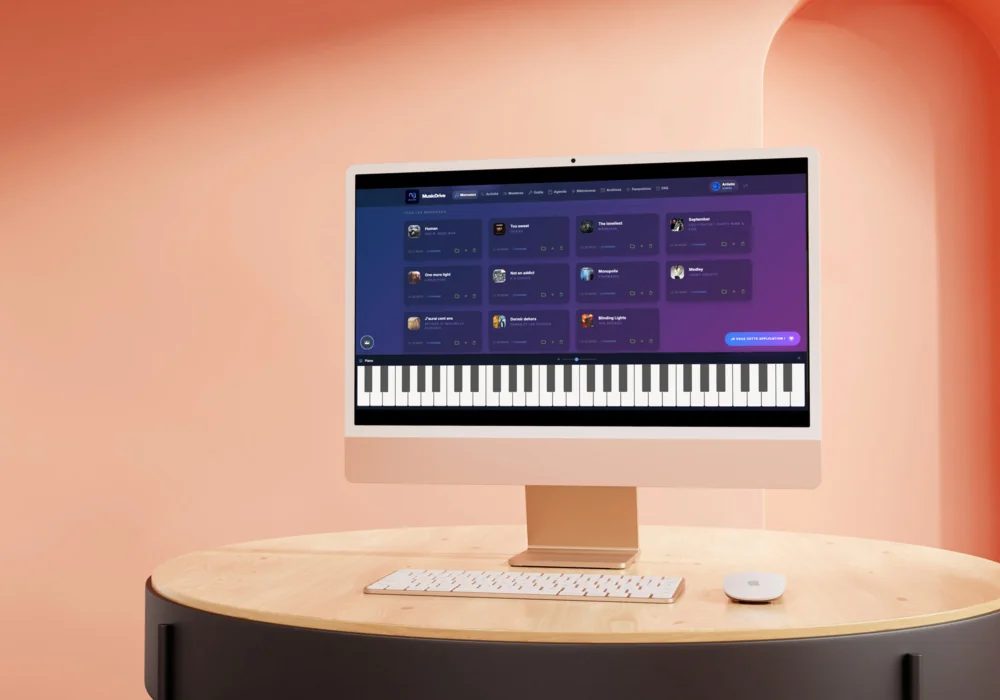
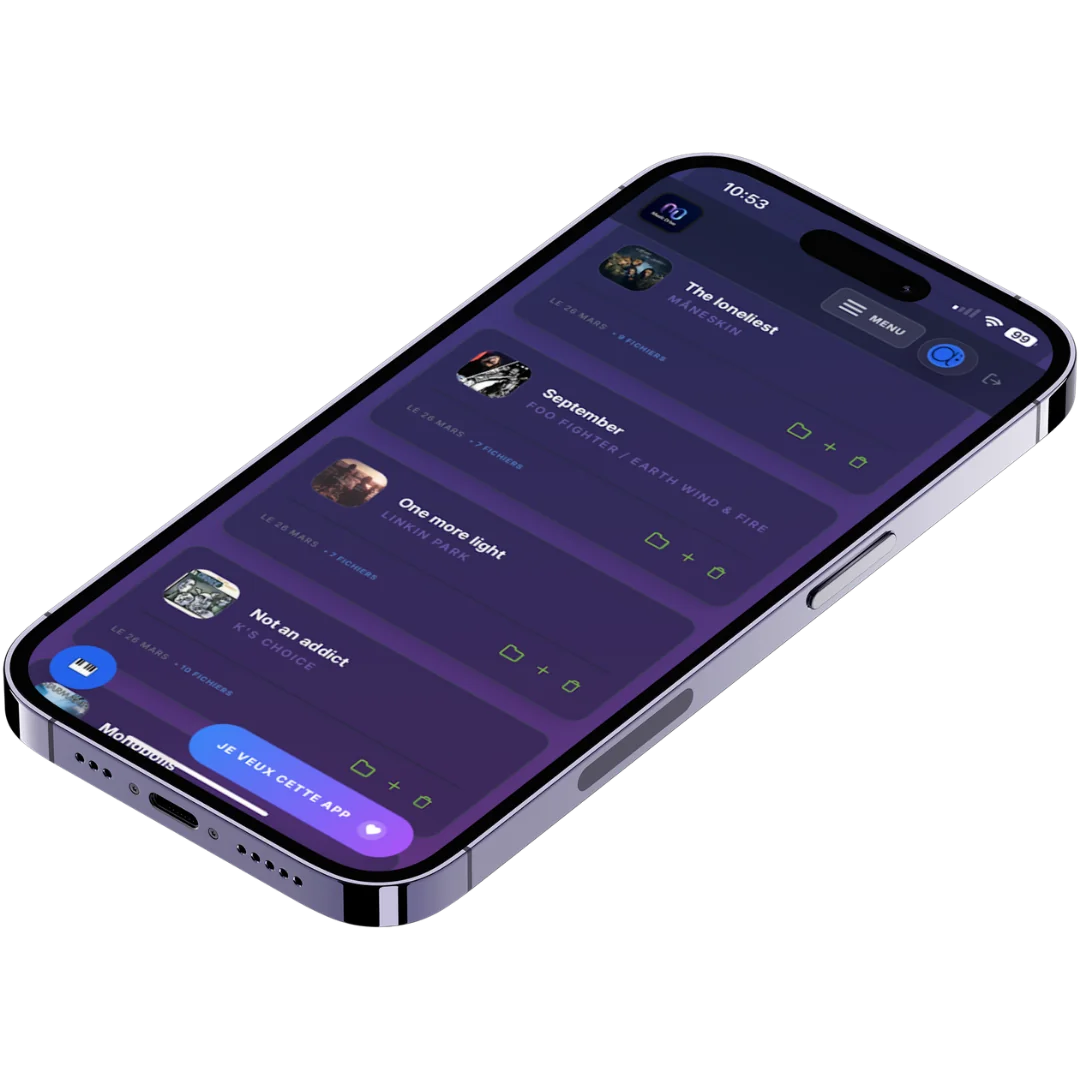
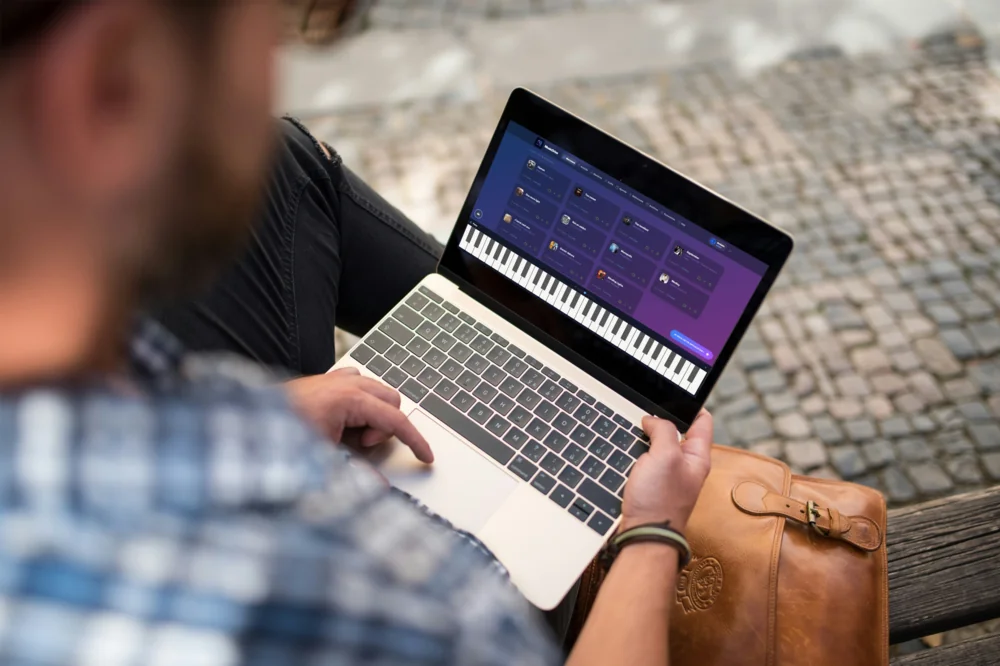
Interface
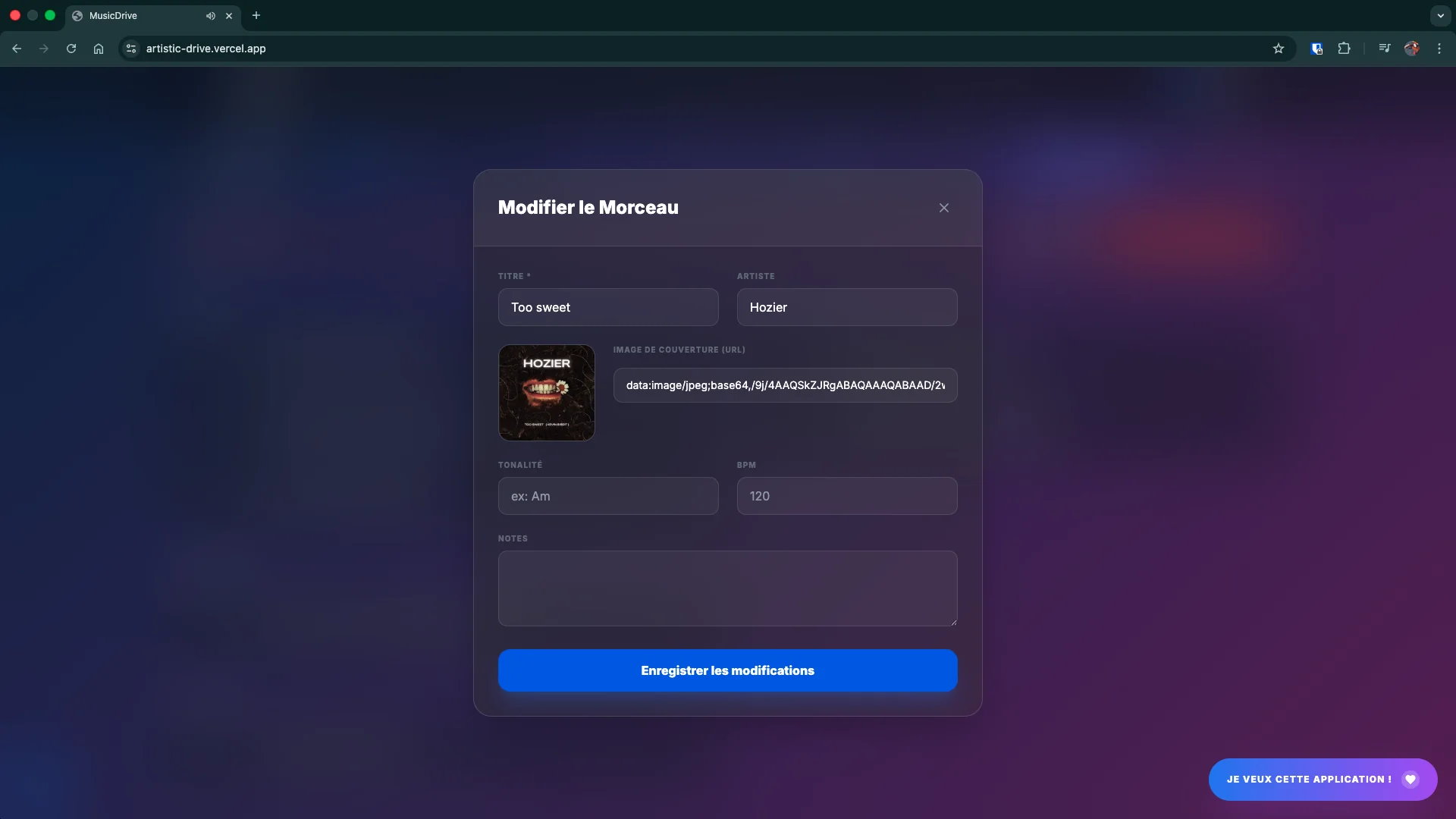
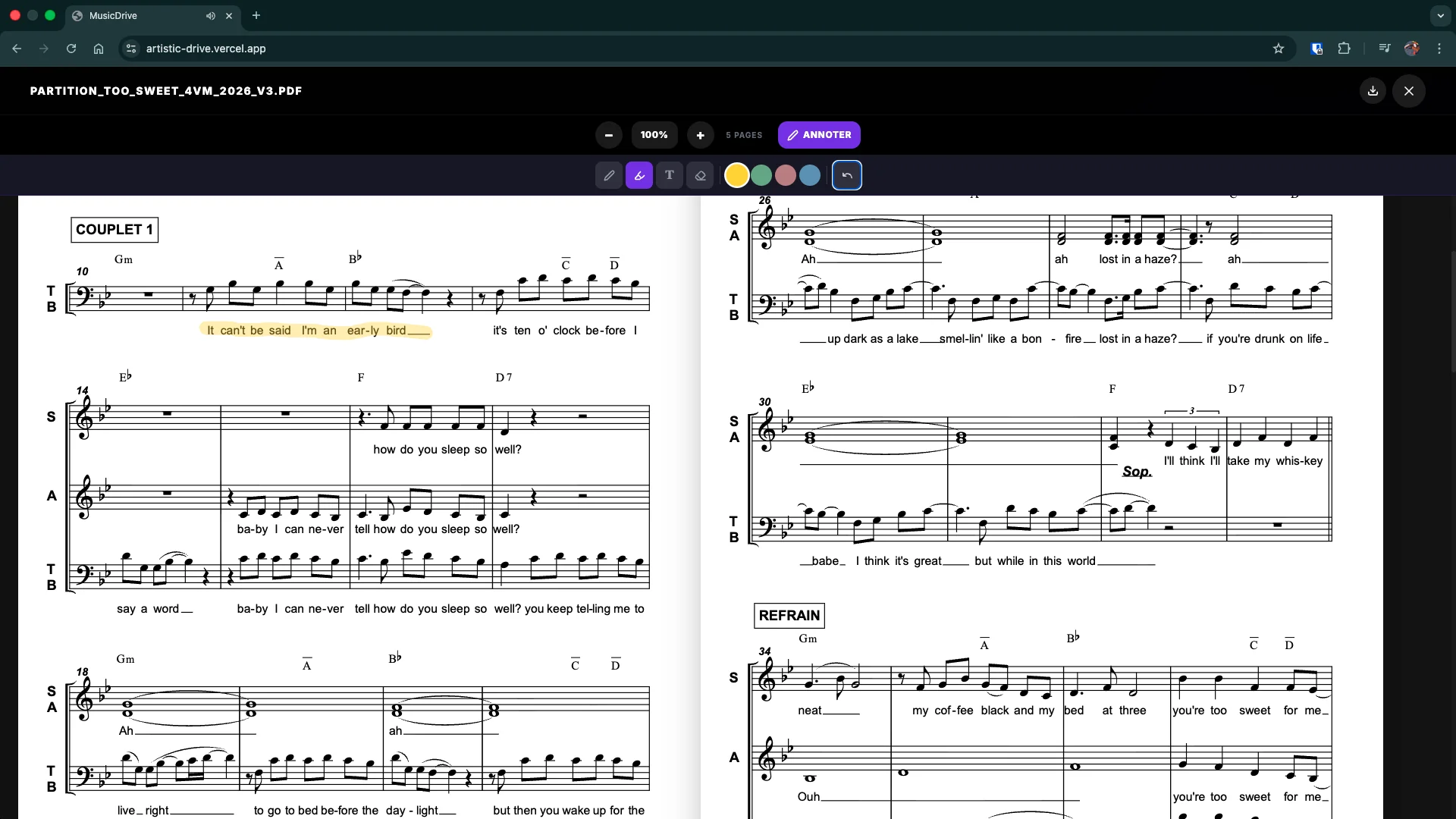
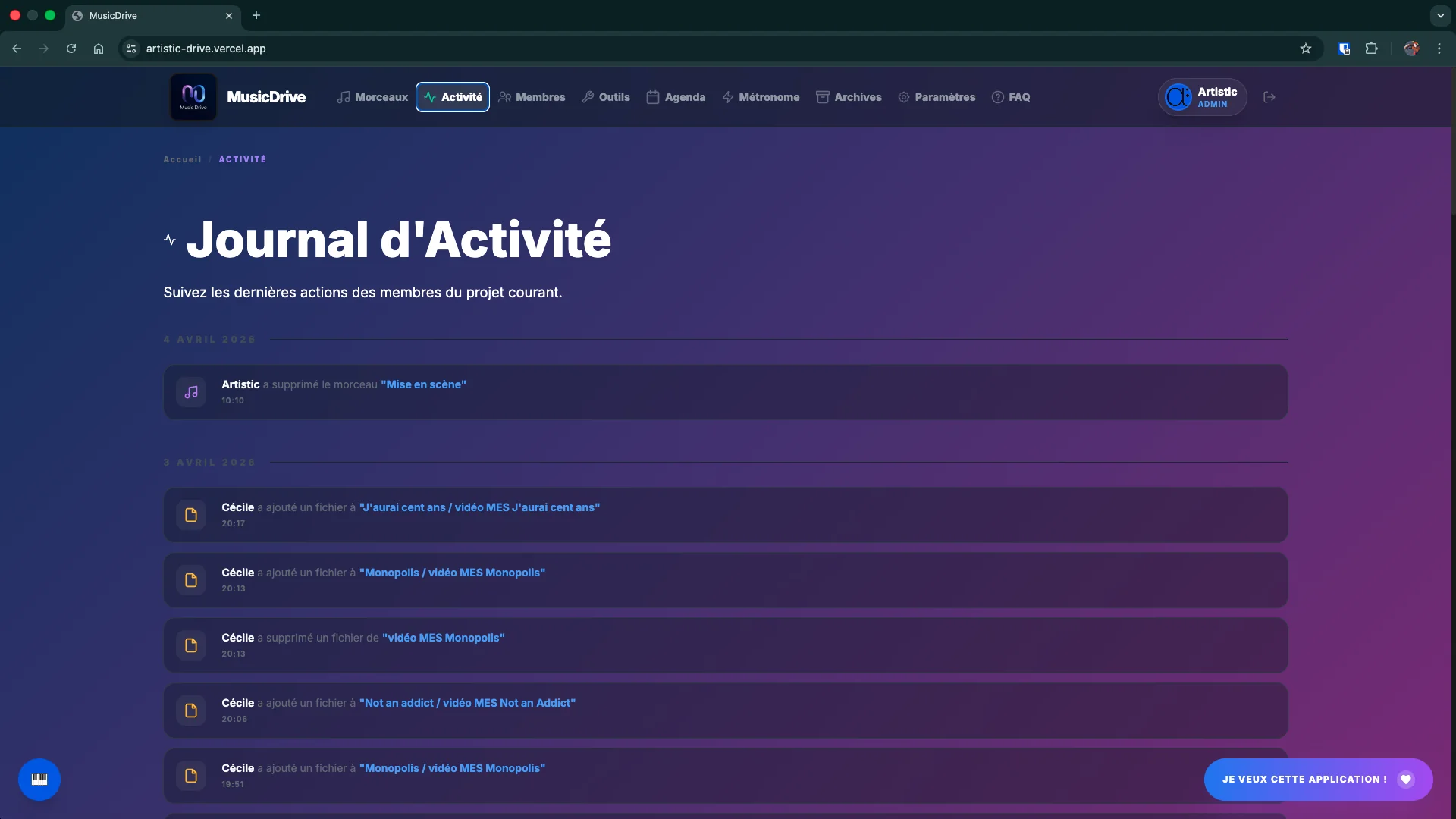
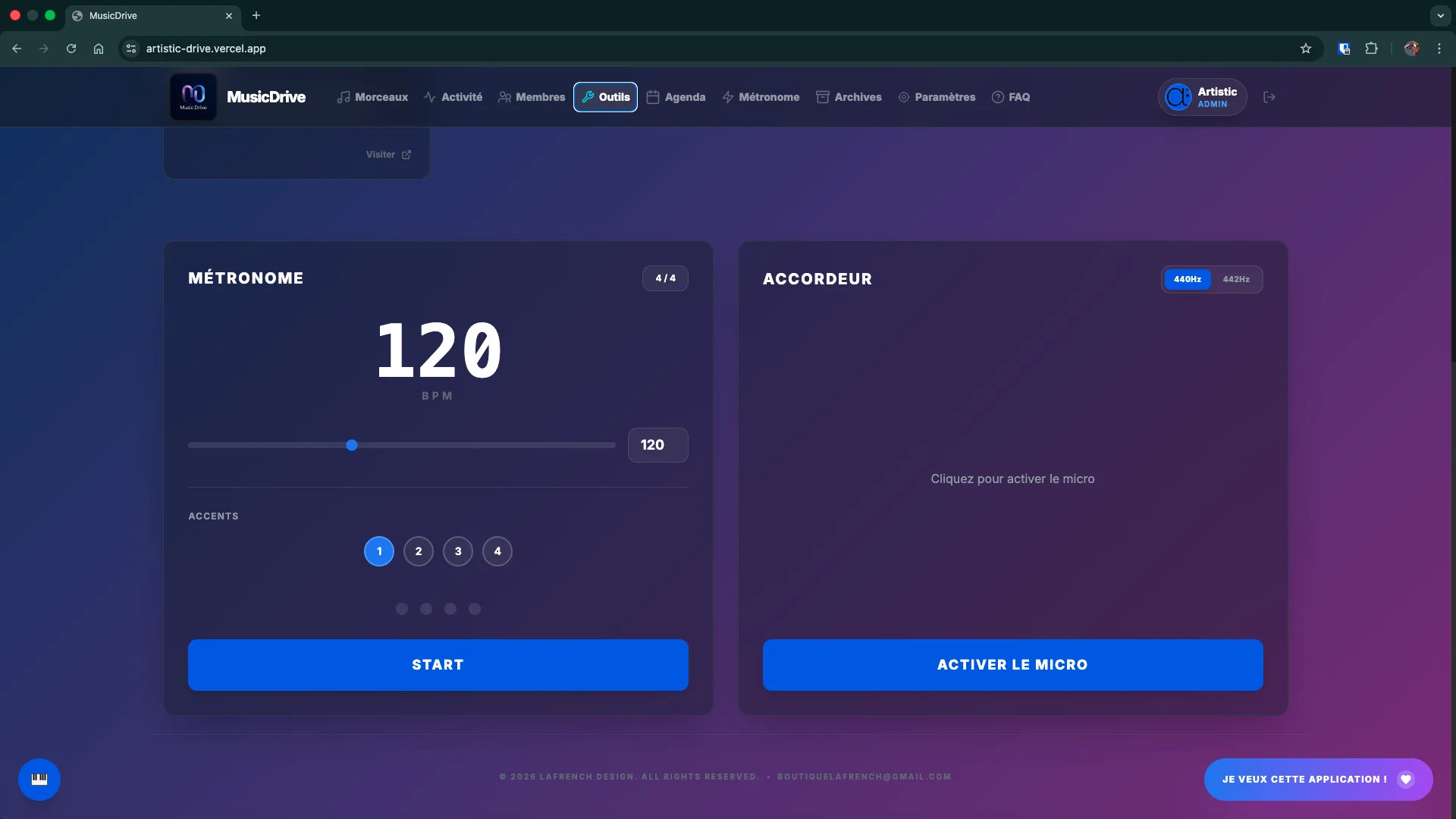
Pricing
From amateur bands to music schools, a plan suited to every structure.
No commitment · No credit card
No commitment · No credit card
No commitment · No credit card
No commitment · No credit card
No commitment · No credit card
More than 500 members? A custom feature request? A bespoke plan? Contact us for a personalised quote →
Detailed comparison
| Feature |
Free
€0
|
Group
€8/mo
|
Workshop · Multi-project
€15/mo
|
Large ensembles
€20/mo
|
Choir & Chorale
€20/mo
|
School
€20/mo
|
|---|---|---|---|---|---|---|
| Workshops & Members | ||||||
| Number of workshops | 1 | 1 | Up to 7 | Unlimited | Unlimited | Unlimited |
| Members | 10 | 20 | 200 | 500 (+ quote) | 500 (+ quote) | 500 (+ quote) |
| Storage | 300 MB | 25 GB | 60 GB | 100 GB | 100 GB | 100 GB |
| Size per uploaded file | 25 MB | 60 MB | 60 MB | 60 MB | 60 MB | 60 MB |
| Bulk member import | — | — | — | ✓ | ✓ | ✓ |
| Tracking of unopened invitations | ✓ | ✓ | ✓ | ✓ | ✓ | ✓ |
| Admin · Teacher · Student roles | ✓ | ✓ | ✓ | ✓ | ✓ | ✓ |
| Shared pedagogical space | — | — | — | ✓ | ✓ | ✓ |
| Choirs & Chorales | ||||||
| Admin · Leader · Singer roles | — | — | — | ✓ | ✓ | ✓ |
| Custom vocal sections | — | — | — | ✓ | ✓ | ✓ |
| Scores & audio by section | — | — | — | ✓ | ✓ | ✓ |
| Section-targeted events | — | — | — | ✓ | ✓ | ✓ |
| Section-targeted polls | — | — | — | ✓ | ✓ | ✓ |
| Section leader | — | — | — | ✓ | ✓ | ✓ |
| Music Library | ||||||
| Unlimited songs | ✓ | ✓ | ✓ | ✓ | ✓ | ✓ |
| Assets (PDF, audio, links…) | ✓ | ✓ | ✓ | ✓ | ✓ | ✓ |
| Folders & subfolders | ✓ | ✓ | ✓ | ✓ | ✓ | ✓ |
| Custom asset types | ✓ | ✓ | ✓ | ✓ | ✓ | ✓ |
| PDF annotations (per member) | ✓ | ✓ | ✓ | ✓ | ✓ | ✓ |
| Offline audio cache | ✓ | ✓ | ✓ | ✓ | ✓ | ✓ |
| Named archives | ✓ | ✓ | ✓ | ✓ | ✓ | ✓ |
| Organisation & Collaboration | ||||||
| Setlists | ✓ | ✓ | ✓ | ✓ | ✓ | ✓ |
| Calendar & RSVP | ✓ | ✓ | ✓ | ✓ | ✓ | ✓ |
| Attachment & linked setlist on events | ✓ | ✓ | ✓ | ✓ | ✓ | ✓ |
| Per-event discussion forums | ✓ | ✓ | ✓ | ✓ | ✓ | ✓ |
| Multiple-choice polls | ✓ | ✓ | ✓ | ✓ | ✓ | ✓ |
| Anonymous polls | ✓ | ✓ | ✓ | ✓ | ✓ | ✓ |
| Activity feed | ✓ | ✓ | ✓ | ✓ | ✓ | ✓ |
| Timestamped comments | ✓ | ✓ | ✓ | ✓ | ✓ | ✓ |
| Structure markers (shared) | ✓ | ✓ | ✓ | ✓ | ✓ | ✓ |
| Collaborative rehearsal notes | ✓ | ✓ | ✓ | ✓ | ✓ | ✓ |
| Personal playlists | ✓ | ✓ | ✓ | ✓ | ✓ | ✓ |
| Notice board | ✓ | ✓ | ✓ | ✓ | ✓ | ✓ |
| Office Space | ✓ | ✓ | ✓ | ✓ | ✓ | ✓ |
| Interactive assistant (5 languages) | ✓ | ✓ | ✓ | ✓ | ✓ | ✓ |
| Multi-workshop dashboard | — | — | ✓ | ✓ | ✓ | ✓ |
| Music Tools | ||||||
| Advanced metronome (14 patterns) | ✓ | ✓ | ✓ | ✓ | ✓ | ✓ |
| Metronome presets (account-linked) | ✓ | ✓ | ✓ | ✓ | ✓ | ✓ |
| Chromatic tuner | ✓ | ✓ | ✓ | ✓ | ✓ | ✓ |
| Practice engine | ✓ | ✓ | ✓ | ✓ | ✓ | ✓ |
| Virtual piano | ✓ | ✓ | ✓ | ✓ | ✓ | ✓ |
| Ad-free YouTube viewer | ✓ | ✓ | ✓ | ✓ | ✓ | ✓ |
| V.Loop Pro & ChordsNinja | ✓ | ✓ | ✓ | ✓ | ✓ | ✓ |
| Mobile & Infrastructure | ||||||
| Mobile app (PWA) | ✓ | ✓ | ✓ | ✓ | ✓ | ✓ |
| Audio playback with screen off | ✓ | ✓ | ✓ | ✓ | ✓ | ✓ |
| Offline mode (audio cache) | ✓ | ✓ | ✓ | ✓ | ✓ | ✓ |
| High-performance S3 storage | ✓ | ✓ | ✓ | ✓ | ✓ | ✓ |
| Weekly DB backups | ✓ | ✓ | ✓ | ✓ | ✓ | ✓ |
| Multilingual interface (FR · EN · DE · IT · ES) | ✓ | ✓ | ✓ | ✓ | ✓ | ✓ |
| Support & Customisation | ||||||
| Custom theme & colours | ✓ | ✓ | ✓ | ✓ | ✓ | ✓ |
| Brush mode | ✓ | ✓ | ✓ | ✓ | ✓ | ✓ |
| Gradient backgrounds | ✓ | ✓ | ✓ | ✓ | ✓ | ✓ |
| Your ensemble's name on the space | ✓ | ✓ | ✓ | ✓ | ✓ | ✓ |
| Email support | ✓ | ✓ | ✓ | ✓ | ✓ | ✓ |
| Dedicated priority support | — | — | — | ✓ | ✓ | ✓ |
| Onboarding & training | ✓ | ✓ | ✓ | ✓ | ✓ | ✓ |
Already using another app and thinking about switching? We compared Music Drive with the most widely used options, feature by feature.
They use Music Drive©
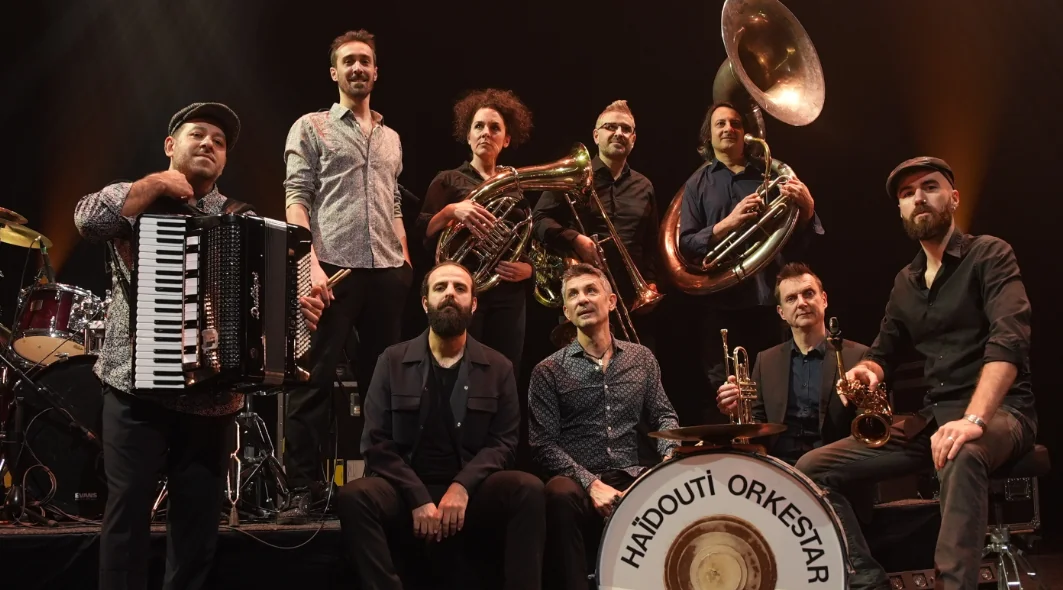
Groups, artists, schools — they adopted Music Drive to manage their music daily.
Contact
We reply within 24 hours.
Ready?
30-day trial · No credit card · Instant access